How I Track KPIs to Hit 100K a Month With AI Automation
Track only the KPIs tied to your biggest problem right now. Ask one question: if your clients doubled tomorrow, could you handle them? If yes, you have a demand problem, so track reach, acquisition, conversion or expansion. If no, you have a supply problem, so track the slowest step in your delivery.
- A KPI is a number that shows whether one part of your business is working
- Pick one problem, then work backwards to two or three numbers that move it
- To convert more, track qualified calls, speed to lead, speed to proposal and follow ups
- Track it by hand in a Google Sheet first, then give the steps to Claude to automate

I have helped more than 55 businesses use AI. Together that is more than $5.5 million in revenue from front end automations, and more than 1.8 million hours saved on the back end.
One of the biggest problems I see is simple. People do not know which KPIs to track. And when they do track something, they have no idea how to make it run on its own.
So here is how I pick the numbers, a few of the ones I actually watch, and how to get to the point where you wake up, look at your KPIs, and know exactly where the problem is.
This post is the written version of my video. Watch it here: https://youtu.be/Q0tpWd2VWjo

What is a KPI?
A KPI, or key performance indicator, is a number that tells you whether one part of your business is working. That is all it is.
The mistake is thinking you should track everything. You open a dashboard full of numbers and it feels productive. But the numbers you track should depend on the problem you have. So the first job is to find the problem.
Which KPIs should an agency track?
Here is the first question. If your clients doubled in one day, could you handle them?

If the answer is no, you have a supply problem. People want what you sell, and you do not have the capacity to deliver it.
If the answer is yes, you have a demand problem. You could do the work. You just do not have enough leads.
What to track if you have a demand problem
There are four places a demand problem can live.
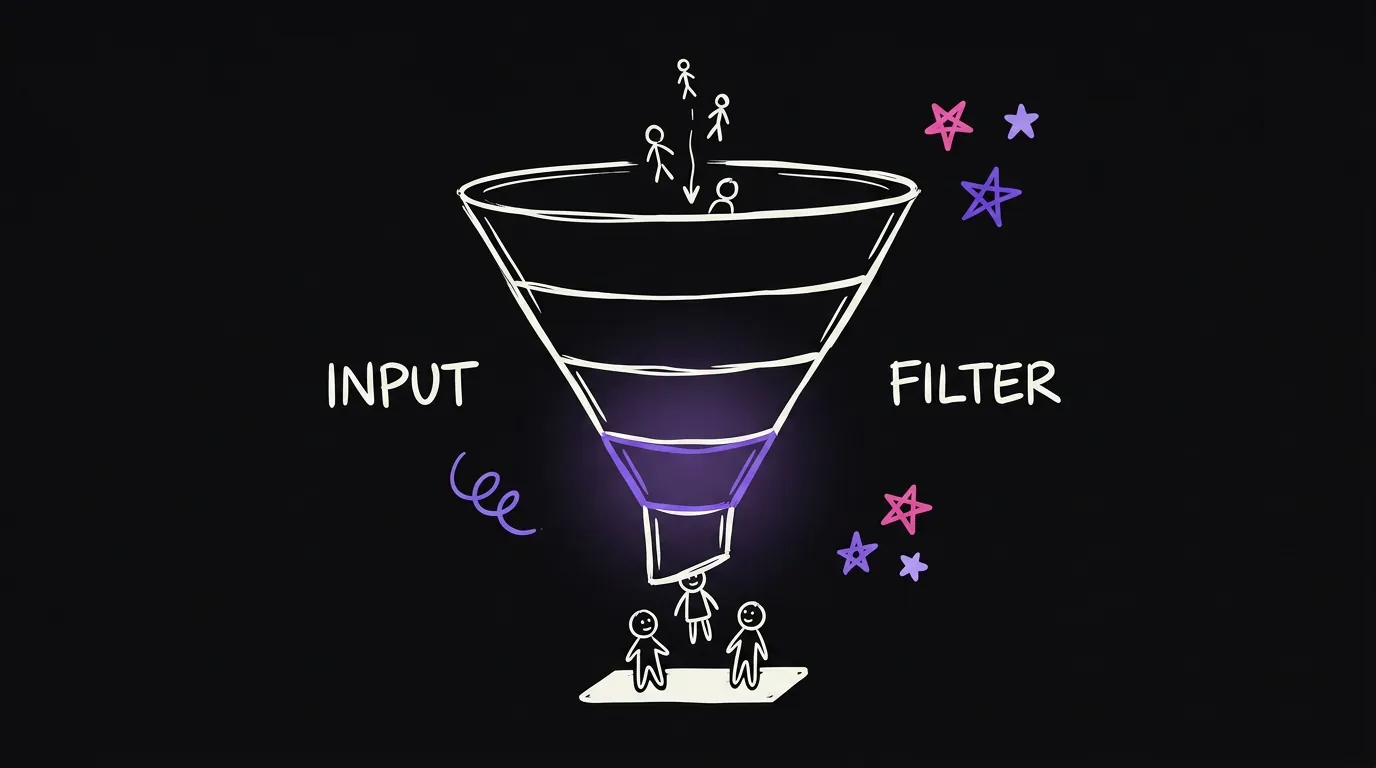
Reach. Not enough people see you in the first place. Not enough leads are going into the pipeline.
Acquire. People see you, but they do not opt in. At this stage they are only eyeballs.
Convert. They opt in and become a real lead, but you cannot turn them into a client.
Expand. They are already a client and paying you. The question is how to get more lifetime value from them.
What to track if you have a supply problem
A supply problem lives somewhere in your flow. From the moment someone is onboarded to the moment the project is done, there are steps. Maybe there is a review stage. Whatever your fulfillment looks like, one of those steps is slow.
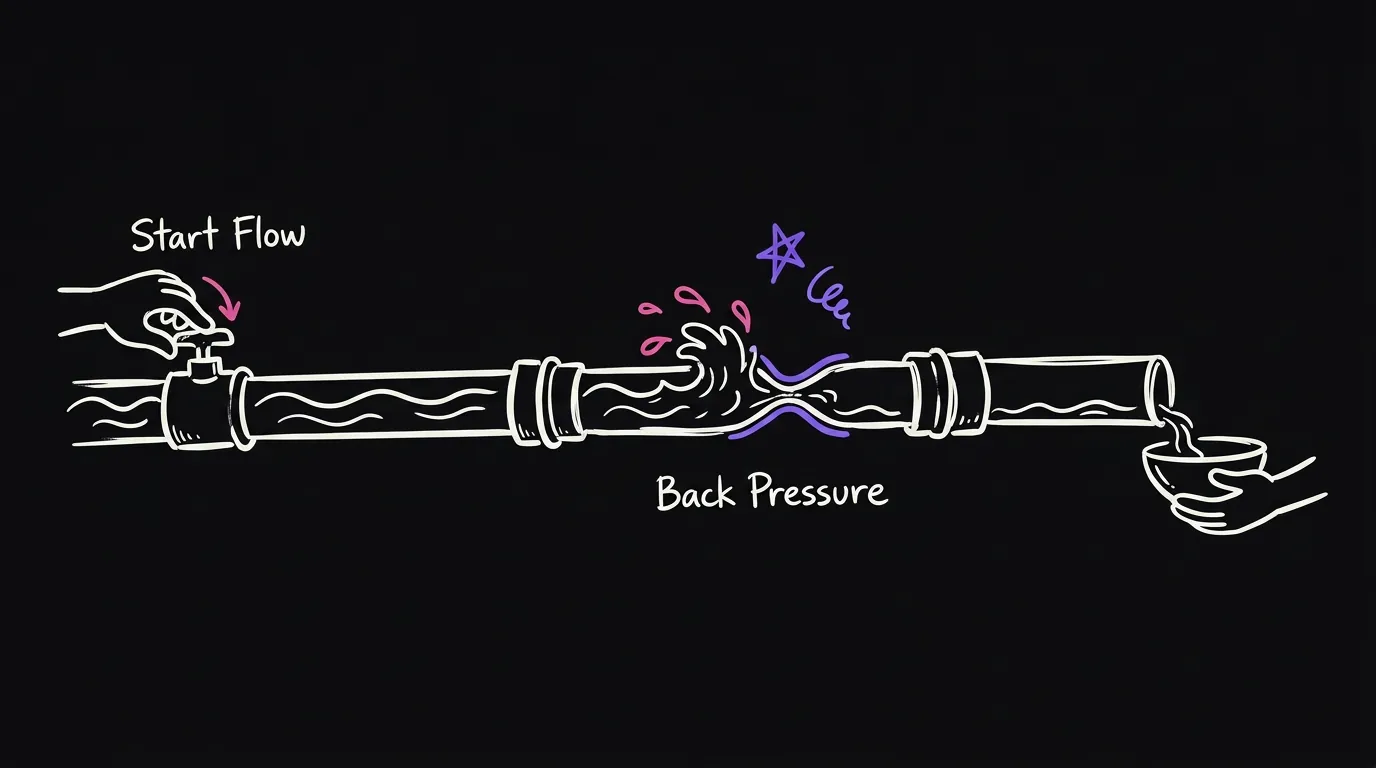
Say onboarding is slow. Then you track the time from the moment they sign to the moment they start.
And you can go one level deeper. Maybe the real problem is the form. You send it and they do not fill it out, or it takes them days. Now you know the actual thing to fix.
| Your problem | Where to look | A number to track |
|---|---|---|
| Not enough leads | Reach | Leads going into the pipeline |
| Leads do not opt in | Acquire | How many see you and opt in |
| Leads do not buy | Convert | Qualified calls, speed to lead, speed to proposal |
| Clients do not stay | Expand | Lifetime value |
| Onboarding is slow | Supply | Time from signing to starting |
How to pick the right KPIs: work backwards from the goal
Whatever problem you pick, work backwards from the goal to the numbers that move it.

Say the goal is to convert more of the calls I book. I have people who opt in. I just cannot convert them.
First, how many of those calls are qualified? That is a number. Second, how fast do I send a proposal? That one matters a lot. If I send proposals fast, more people come back to me, and my conversion rate goes up. Third, how many follow ups do I send, and how often over the next few days?
Each one of those tells you what to act on. That is the whole point of a KPI. It is how you know there is a problem, and exactly what to fix. Saying my onboarding is slow means nothing on its own. I need the number so I can improve it.
Example: speed to lead
Here is one I track on Upwork. How much time does it take me to reply after someone first messages me?
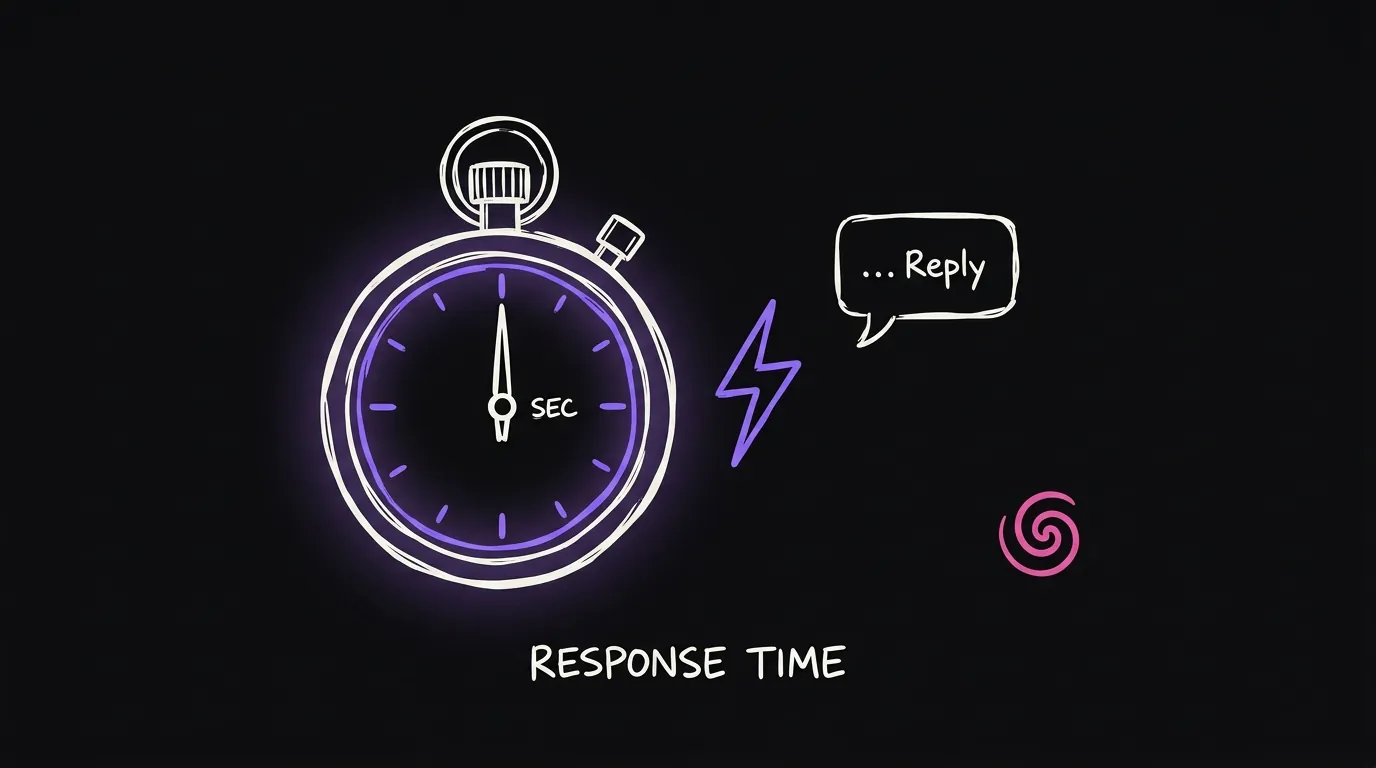
The median is nine minutes. The average is ten hours, because a couple of very slow ones drag it up. But most replies go out in around five to nine minutes. That is one number, from the first message to our first reply, and it tells me straight away whether that step is healthy. I go deeper on reply speed in this post about calling leads late.
The agency KPIs I track for acquisition, money and delivery
For acquisition, I track proposals sent, how many were looked at, and how many wrote back. Then leads across every channel, calls held, proposals sent, and clients won.
For money, I track what a client costs to get, which is CAC. I track lifetime value, which is LTV, meaning how much money a client brings in across the whole relationship. Then CAC against LTV, and from that, net margins.
Delivery is the one people forget.
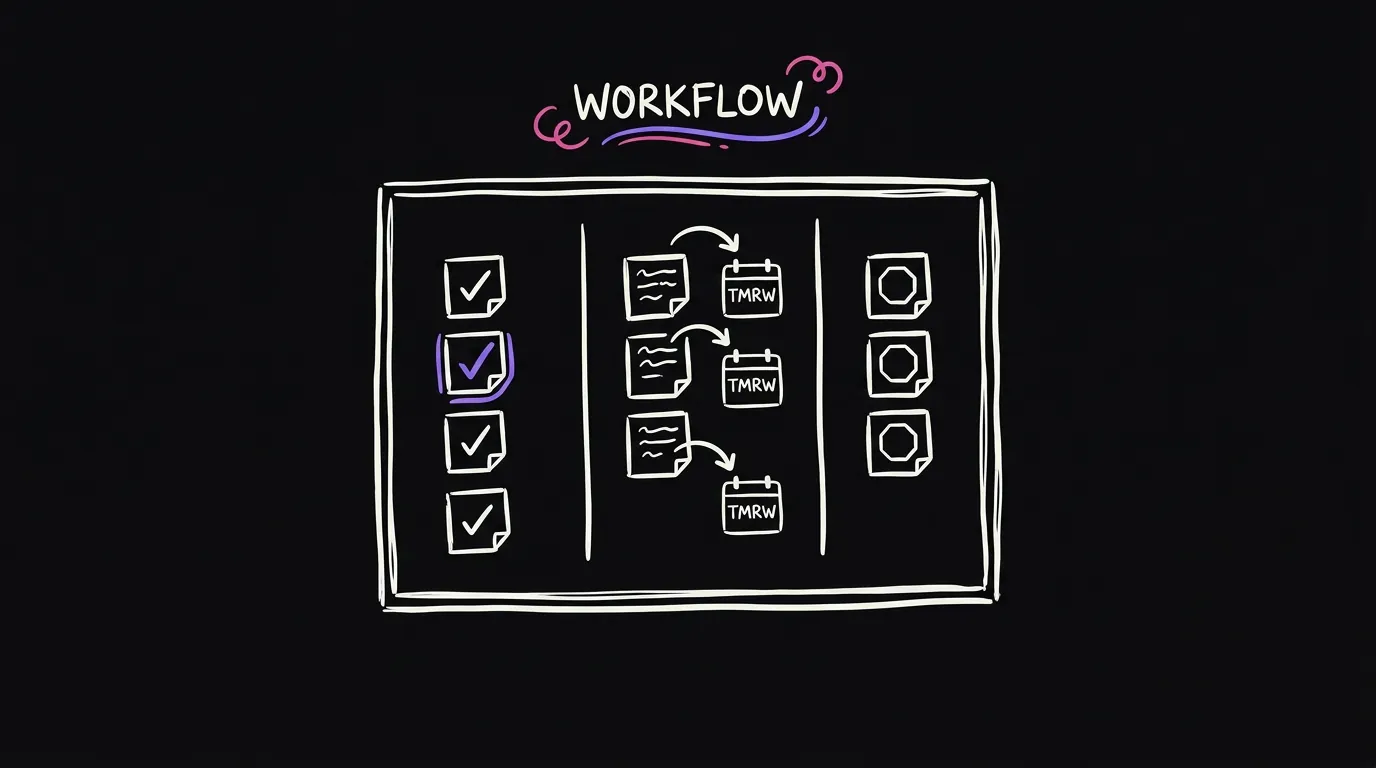
Every morning, each person on the team commits to the tasks they will do that day. At the end of the day, every task is either done, carried to tomorrow, or blocked. If it is blocked, they write down what is blocking it.
From that I can see if we are on time with projects, and if we are doing the things we set out to do. We track commitments kept. We also track client updates, which should go out every day, so I can see which clients are not getting them and on which days.
How to start tracking KPIs by hand
Before you automate anything, write down the manual steps. Put them in a Google Doc. These are the steps for me to track this KPI.

Then do it by hand. If you are tracking booked calls, every time someone books, you add them to a Google Sheet yourself. Going through that teaches you exactly how the number works.
How to automate KPI tracking with Claude
Once you have those manual steps, give them to Claude. Tell it you want a dashboard, give it the KPIs, give it the steps you have been doing by hand, and ask it to help you build it step by step.
You do not have to get fancy. Start with a Google Sheet. Claude can build the automation as a Python script on your laptop, or as a script inside Google Sheets itself, which is called Apps Script.
If you are technical, this is easy. If you are not, it is still very doable.
Less is more
Try not to overdo it. A lot of numbers feels productive. At the end of the day, every number should help you answer a question about your business. If it does not, cut it.
FAQ
How many KPIs should I track? As few as you can. Pick the one problem that matters most right now and track the two or three numbers that tell you if it is getting better.
How do I know if I have a demand problem or a supply problem? Ask if you could handle it if your clients doubled tomorrow. Yes means demand. No means supply.
Do I need to code to automate my KPIs? No. Track the numbers by hand first, then give the steps to Claude and let it build the script or the sheet for you.
What is a good first KPI to start with? If you sell on calls, speed to lead is a good one. It is one clear number, and making it faster usually helps you win more clients.
Where should the numbers live? Start with a Google Sheet. It is enough for most businesses, and you can move to a proper dashboard later.