How to Share Passwords With Your Team Securely, Using a Slack Agent
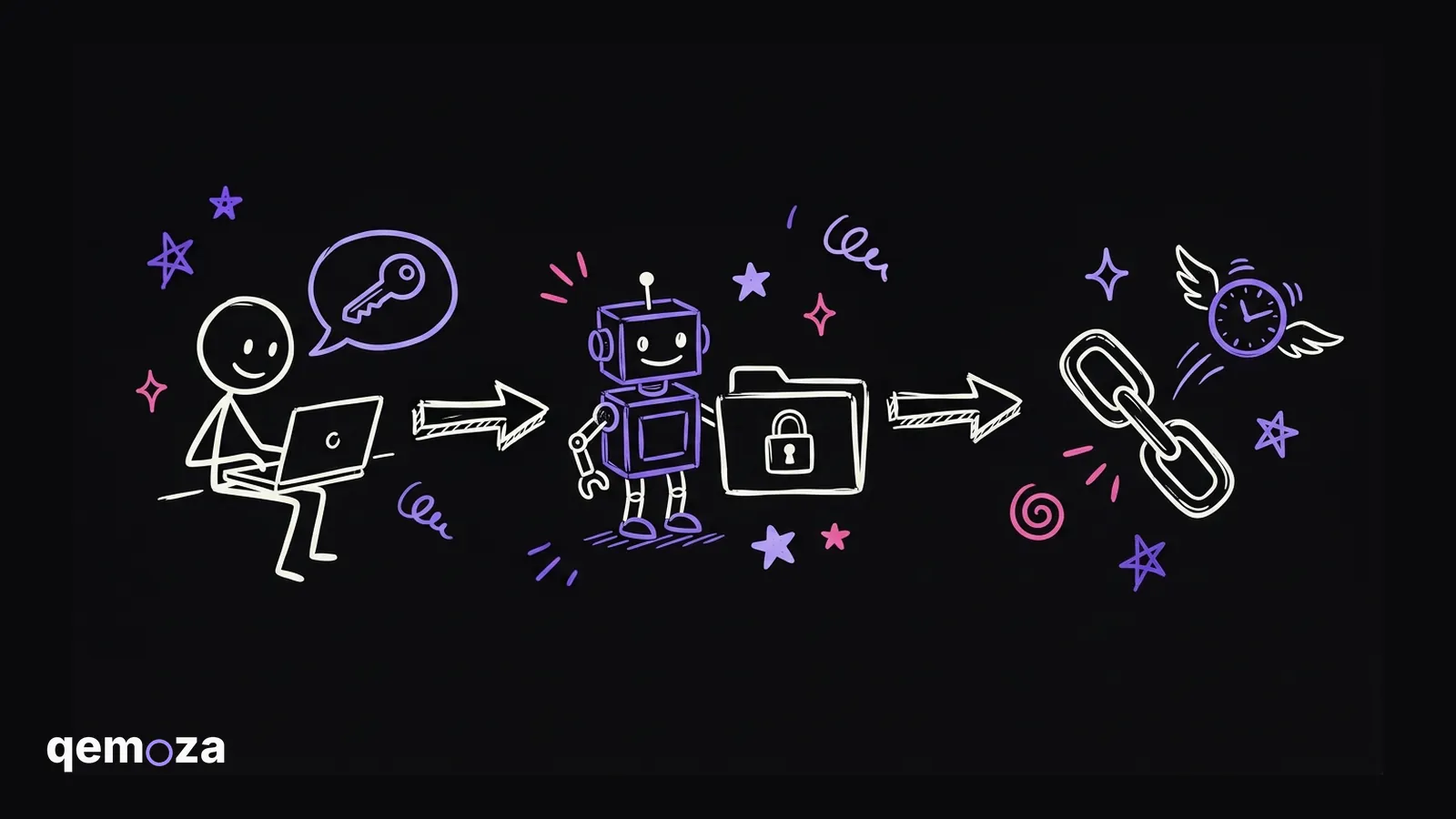
Keep every shared login in a password manager like Bitwarden, in one shared folder. Add a small agent to Slack that can only see that folder. When a teammate asks for a login, the agent replies with a Bitwarden Send link that is gone after 3 views. Client logins go out at once, agency logins wait for your check mark, and personal logins are invisible to it. The password is never typed in the chat.
- The password is never typed in Slack, only a link that expires
- The agent can see one shared folder and nothing else
- Client logins go out at once, agency logins wait for your check mark
- The model only reads login names, a plain script makes the link
- If two logins match, it asks which one, it never guesses
I run an AI automation agency, and most of the businesses we help are marketing agencies.
If you run an agency, you probably share logins all day. Someone needs the Meta login for a client. Then the Klaviyo one. Then the hosting. And every time, they message you, and you stop what you're doing to go find it.
So this week I built a small agent for that. It sits in our Slack, my team asks it in plain words, and it sends the login as a link that expires. This post shows how it works, the rules I gave it, and the exact prompt to build your own.
What is the most secure way to share passwords with your team?
The most secure way is to keep every login in a password manager and share each one as a link that expires. The password itself should never be typed into Slack, email or a doc.
I use Bitwarden. It has a feature called Bitwarden Send. You pick one login and it gives you a link. You choose how many times the link can be opened and when it deletes itself. I use 3 views and 3 days.
So the password never sits in a chat forever. If someone scrolls back in Slack a month later, the link is dead.
Why is sharing logins such a problem in an agency?
Because an agency holds a lot of logins that belong to other people, and the team needs them all day.
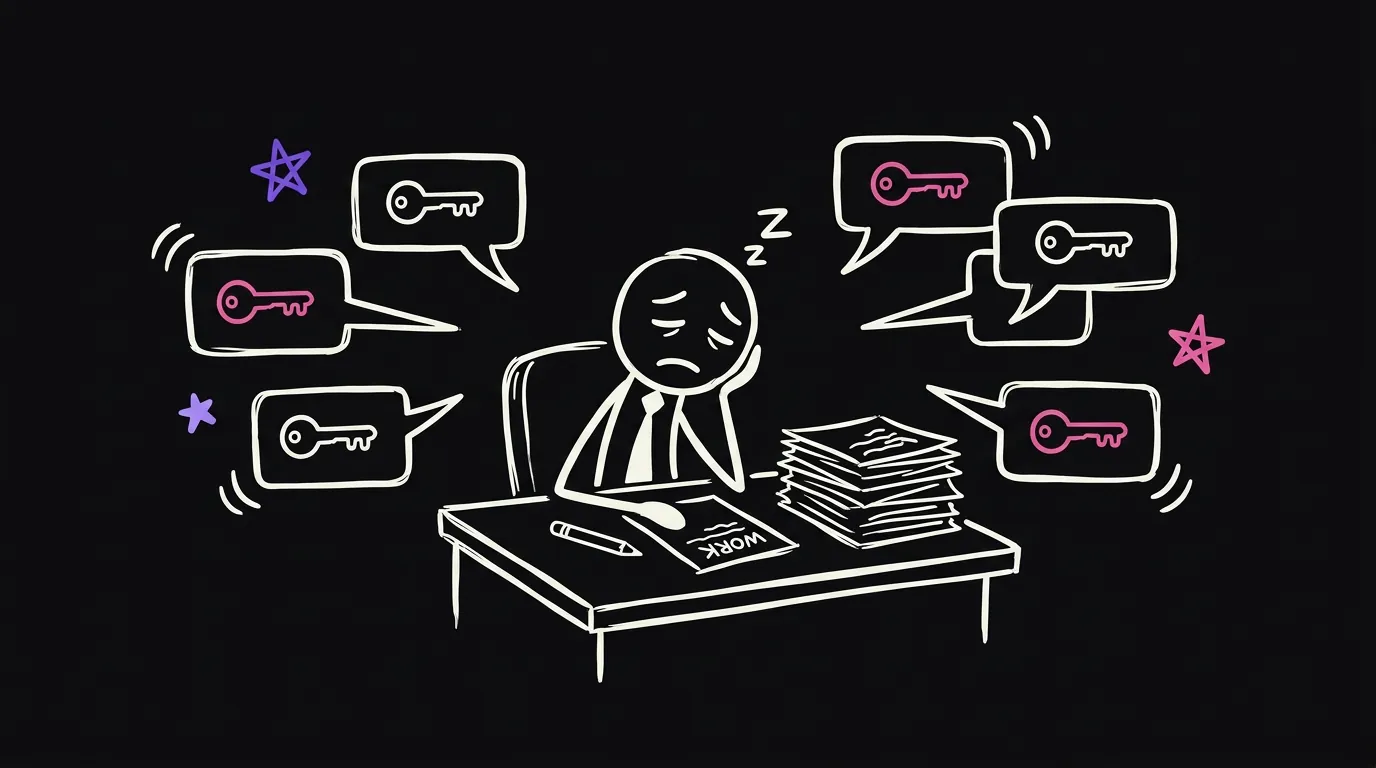
I think most owners end up in one of three places.
| How you share | What goes wrong |
|---|---|
| Paste the password in Slack or email | It stays there forever, and anyone who joins the channel can read it |
| Give everyone the whole vault | A new hire can see billing, banking and your personal logins on day one |
| You send each login by hand | It's safe, but you are now the help desk, many times a day |
| An agent sends an expiring link | The team gets it in seconds, and you only step in for the ones that matter |
The third one is where I was. It's safe, but it costs you your focus. And if you're asleep or on a call, your team waits.
How does the Slack login agent work?
A teammate asks in Slack, the agent finds the login in one shared folder, and it replies in the thread with a link that expires.
Here are the steps.
- A teammate tags the bot and asks in plain words. Like, can I get the Meta login for this client.
- The agent checks who is asking. If they're not on the list, it stops there.
- The agent matches the ask against the names of the logins in the shared folder. It only reads the names. It never sees a password.
- A plain script makes a Bitwarden Send link for that one login. 3 views, 3 days.
- The link lands in the same Slack thread.
One thing matters a lot here. The AI model only does the understanding part. It reads the ask and the list of login names, and it says which one they mean. The part that touches the secret is a normal script. So the password never goes into a prompt.
What rules should the agent follow?
I gave it three levels, and the level depends on which folder the login sits in.
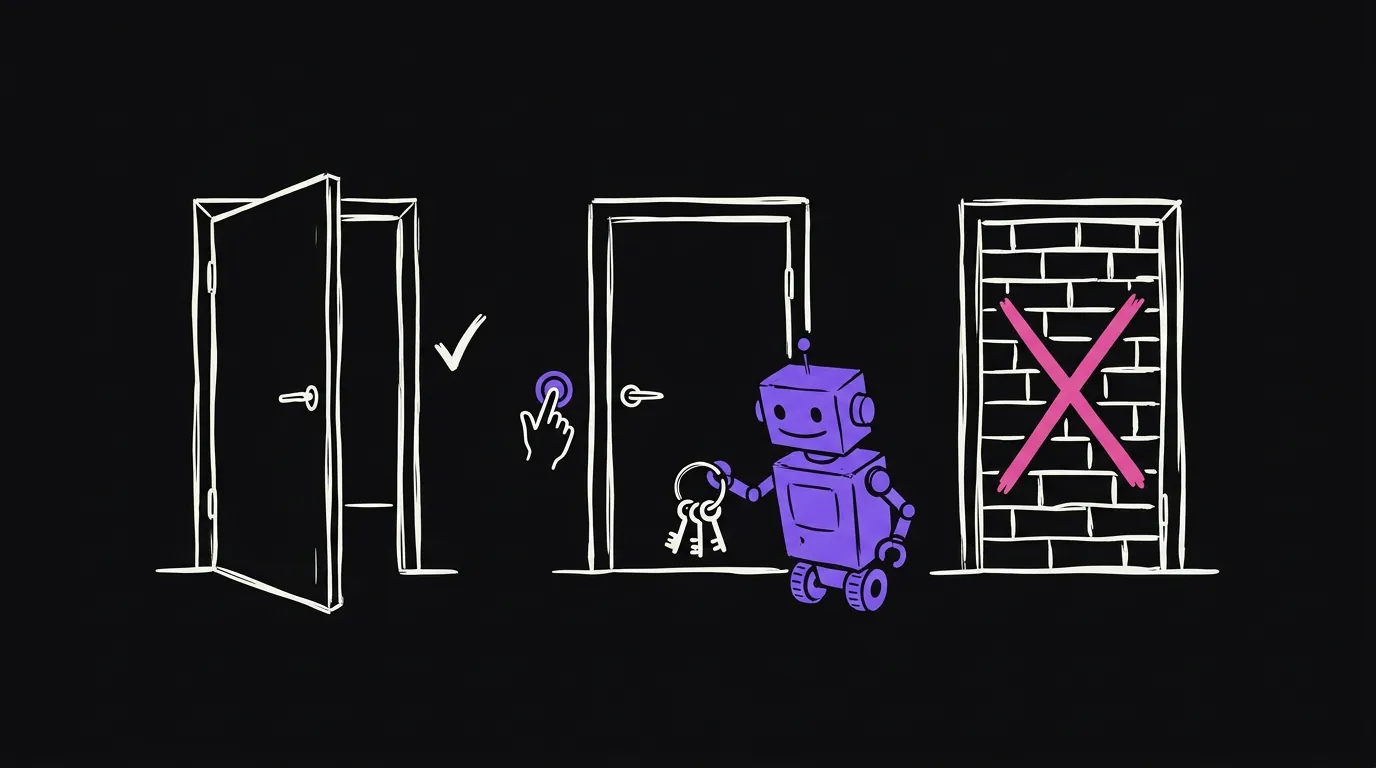
| Level | What is in it | What the agent does |
|---|---|---|
| Client logins | Ad accounts, CRMs, hosting, email tools | Sends the link at once |
| Agency logins | Our own tools, anything with billing | Asks me first, I tap a check mark, then it sends |
| Personal logins | My own accounts | It can't see them at all |
The personal one is the important one. The agent has its own Bitwarden user, and that user only has access to the two shared folders. So the agent has no way in.
Then there are a few smaller rules.
- It never guesses. If two logins match, it replies with a numbered list and the teammate picks one. If nothing matches, it says so and tags me.
- Each person has a daily limit. Mine is 15 a day for the team.
- Every ask is logged. Who asked, what they asked for, which login name, what happened. No secrets in the log.
The never guess rule came from a real mistake. On the first day, I tested it by asking for a Google login that was not in the shared folder, and the first version sent the closest match. I killed that link before anyone opened it. So now it only sends when the client and the tool both match.
What do you need to build it?
- Bitwarden with an organization and two shared folders, one for clients and one for the agency. It's free for two people and a few dollars a seat after that.
- A separate Bitwarden user just for the agent, with access to those two folders only.
- The Bitwarden CLI on a computer that stays on. A Mac mini or a small server both work.
- A Slack app with a bot token that can read mentions and post in threads.
- Claude Code, or any coding agent you like.
The exact prompt to build it
Paste this into Claude Code. It builds it with you, one step at a time.
Build me a Slack login helper. Work with me step by step and prove each step before the next one.

WHAT IT DOES
A teammate tags our Slack bot and asks for a login in plain words. The helper finds the right item in our shared Bitwarden vault, makes an expiring Bitwarden Send link for it, and replies in the same Slack thread with that link. The password itself must never appear in Slack, in a log, in a prompt, or in your own output.

WHAT I HAVE
- A Bitwarden organization with two collections: Clients and Agency.
- A Bitwarden user made only for this helper. It can see those two collections and nothing else.
- The Bitwarden CLI installed on this machine. This machine stays on.
- A Slack app with a bot token that can read mentions and post in threads.
- A rules file called rules.yaml. I will paste it. Follow it exactly.

HOW TO BUILD IT
1. Connect. Log the CLI in as the helper user with its API key, read from a .env file that is never committed. Show me the collection names to prove the login works. Never print an item.
2. Listen. When someone tags the bot, check the sender against the askers list in rules.yaml. If they are not on it, reply that you cannot help and stop.
3. Understand the ask. Use a small, cheap model for one job only: is this person asking to be given a login, and which client and which tool do they mean. Give the model the ask and the list of item NAMES. Never give it usernames, passwords, notes or fields.
4. Match. Send only when the client name and the tool both match and there are 3 matches or fewer. More than one match means reply with a numbered list and wait for a number. Zero matches means say it was not found and tag the owner. Never guess.
5. Apply the level. Clients collection: send at once. Agency collection: post a message that tags the owner, and send only after the owner adds a check mark to it.
6. Share. A plain script makes the link and the model never touches it: bw send create, max 3 views, deleted after 3 days. Post the link in the thread where they asked.
7. Limits. Stop at the daily cap per person from rules.yaml and tell them why.
8. Log. Write one line per ask: who, what they asked, which item NAME, what happened. No secrets.
9. Keep it alive. Run it as a service that restarts by itself, one copy at a time.

PROVE IT
Write tests for the matching, including asks that should NOT send. Then run one real ask from a second Slack user for a Clients login and one for an Agency login. Show me the link arrived, open it once, then delete both test links.
The rules file
Save this as rules.yaml and change the names.
owner: U_OWNER_SLACK_ID          # the only person who can approve

askers:                          # only these people get an answer
  - name: Sam
    slack_id: U_SAM
  - name: Priya
    slack_id: U_PRIYA

levels:
  Clients: send_at_once
  Agency: owner_check_mark
  # anything else is invisible. The helper user has no access to it.

link:
  max_views: 3
  delete_after_days: 3

limits:
  per_person_per_day: 15

matching:
  needs_client_and_tool: true
  max_matches_to_send: 3
  more_than_one: numbered_list
  none: tell_owner

never:
  - paste a password in Slack
  - send a password to the model
  - guess between two logins
  - write a secret to the log
Both are also in one doc you can copy from: The Slack login helper, build prompt and rules file
What stays with you?
Three small things.
You decide who is on the list. It's one line to add a new hire and one line to remove someone who left.
You decide which folder each login sits in. I think anything that touches money or billing belongs in the agency folder, so it always waits for your check mark.
And you tap the check mark. It takes two seconds, and it keeps you in the loop on the logins that matter.
So that's the whole system. It's small, it's safe, and it takes something off your plate every single day.
FAQ
What is the safest way to share a password with a coworker? Keep the login in a password manager and share it as a link that expires, like Bitwarden Send. Set a small number of views and a short life. Do not paste the password into Slack, email or a doc.
Is it safe to let an AI agent handle passwords? It is safe when the AI never sees the password. In this setup the model only reads the names of the logins. A plain script makes the expiring link. The agent also has its own vault user that can only see the shared folders.
Can the agent see my personal passwords? No. The agent logs in as its own Bitwarden user, and that user only has access to the two shared folders. Your personal vault is a different account it has no way into.
What is Bitwarden Send? Bitwarden Send is a feature that turns one login or note into a link. You set how many times it can be opened and when it deletes itself. After that the link stops working.
What happens when someone leaves the team? You remove their line from the askers list and the agent stops answering them. Links they were sent before are already dead, because each one expires after 3 views or 3 days. You should still change the passwords they used.
Does this work with 1Password or LastPass? The idea is the same with any password manager that can make expiring share links from the command line. I built mine on Bitwarden because its CLI can create a Send in one command.
How long does it take to build? With the prompt above and a coding agent like Claude Code, I think a technical owner can have a first version running in an afternoon. The slow part is sorting your logins into the two folders.