How to Know Where Every Client Stands Before the Call
Gather the client's last call notes, their Slack or email from the last two weeks and their tasks. Paste them under one prompt that asks for what is on today, what is on tomorrow, what is in progress and what is waiting on you, with the source after every line. Check two lines against their source, then put the prompt behind one button once it works.
- The brief covers today, tomorrow, in progress and what is waiting
- Every line says where it came from, so you can check it
- Start by copying and pasting, connect the sources after
- Read the waiting section first, that is what the client will ask about

Your client call starts in five minutes. And you have no idea what you are going to talk about.
We built something for this. This post shows you how to set up the same thing for your own calls.
This is the written version of my Short. Watch it here: https://youtu.be/uYXVi8iKcz4
The prompt and the steps are free in one doc: The Client Brief.
Five minutes before the call
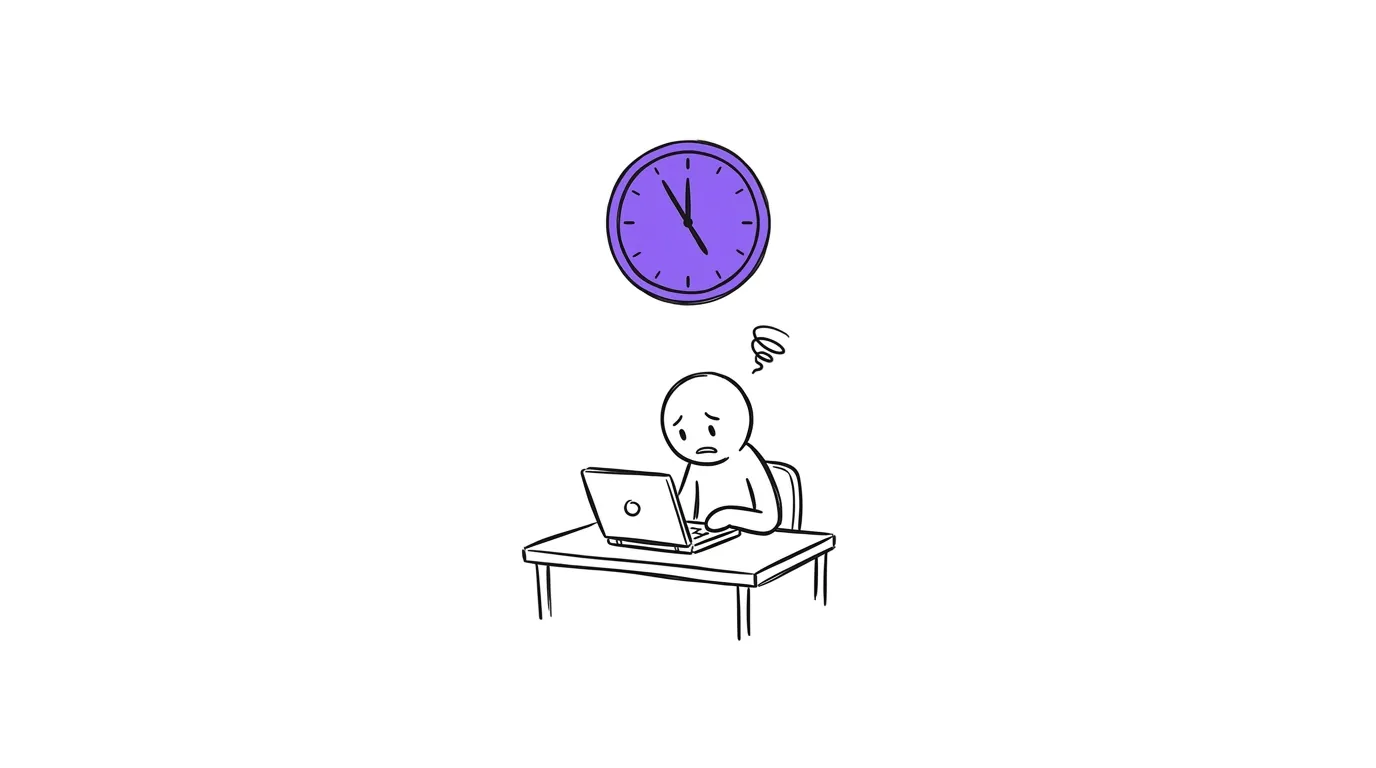
So you rush. You dig into the call notes. You scroll back through Slack. You paste it all into AI to get a quick recap before the call.
And the next time, you do it all again.
The worst case is when you have back to back calls. You finish one, and the next client is already waiting.
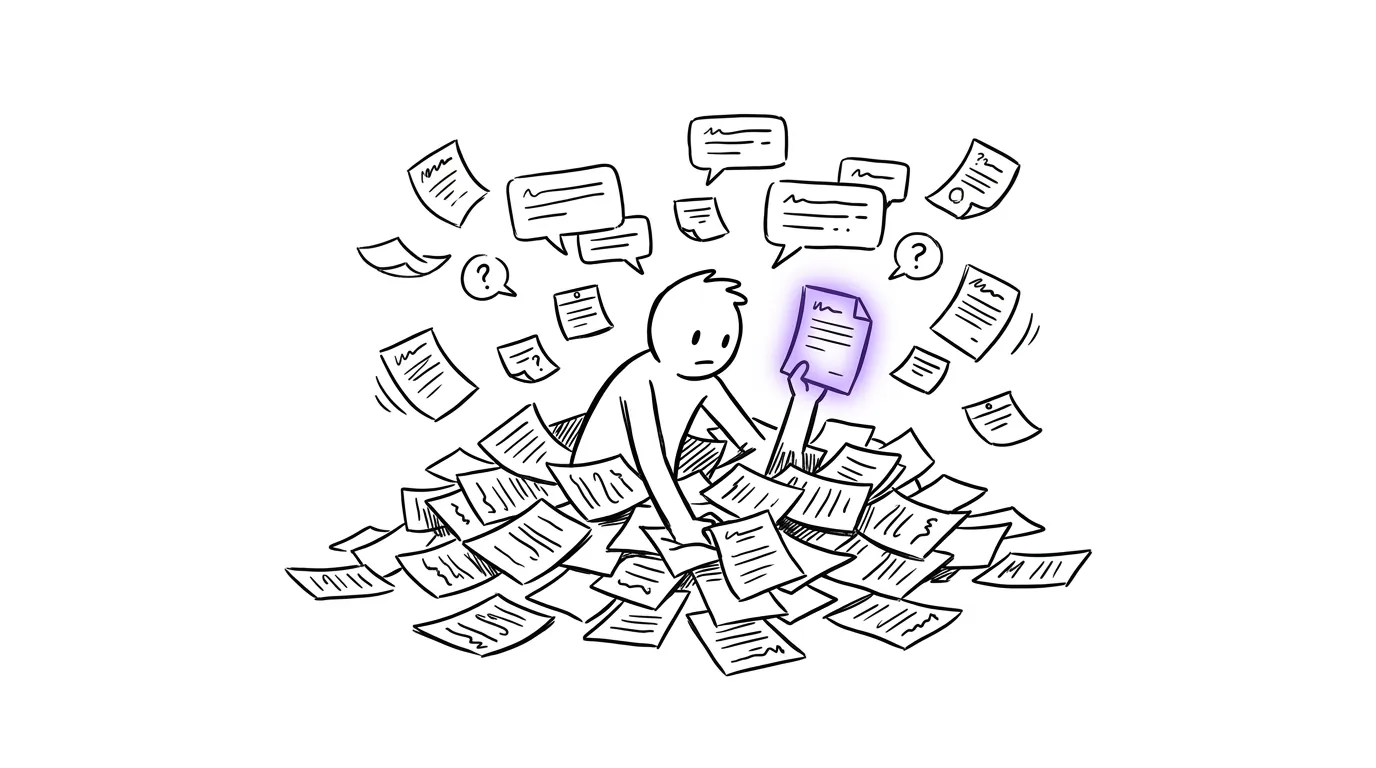
The button we built
One of the things I built is a button inside a PR agency owner's dashboard.
He clicks on it, and it gives him a status check on that client. It reads the client's calls, Slack, email and project board. Then it writes a short brief. It takes about one to two minutes to run.
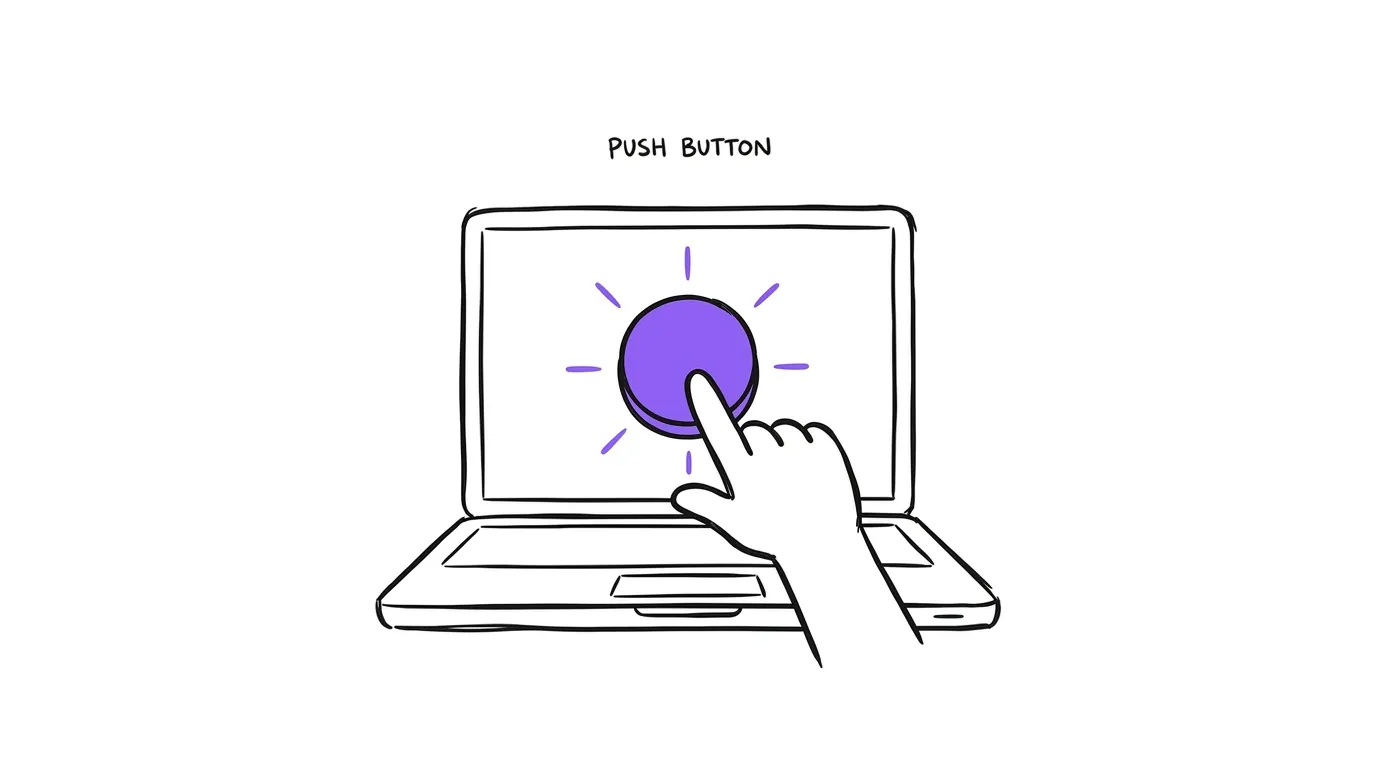
It runs when he clicks. So he gets it right before the call, when he needs it.
| Without the brief | With the brief | |
|---|---|---|
| How you catch up | Call notes, Slack and email, one by one | One short page |
| When you do it | The five minutes before the call | One click, about one to two minutes |
| Can you check it | You go back and search again | Every line says where it came from |
| The next call | You start over | You click again |
What the brief tells you
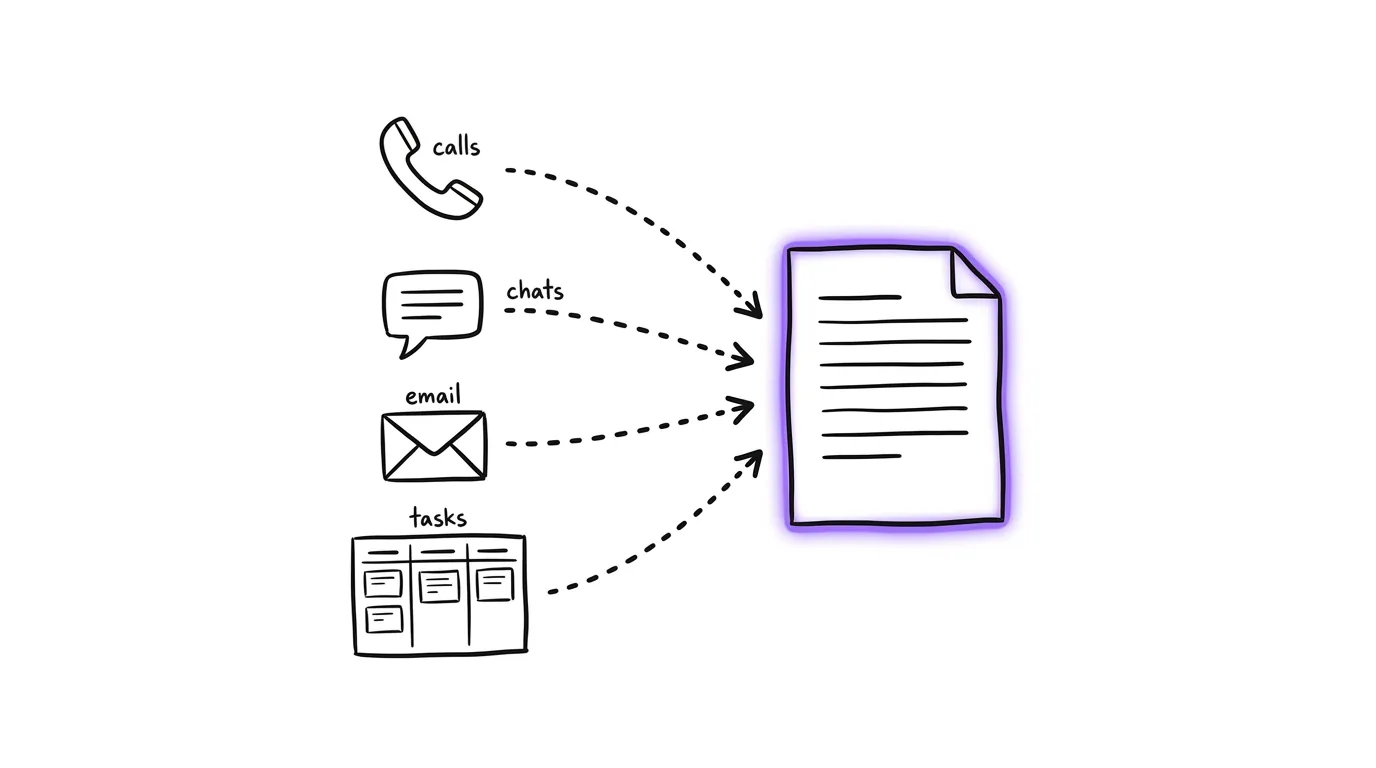
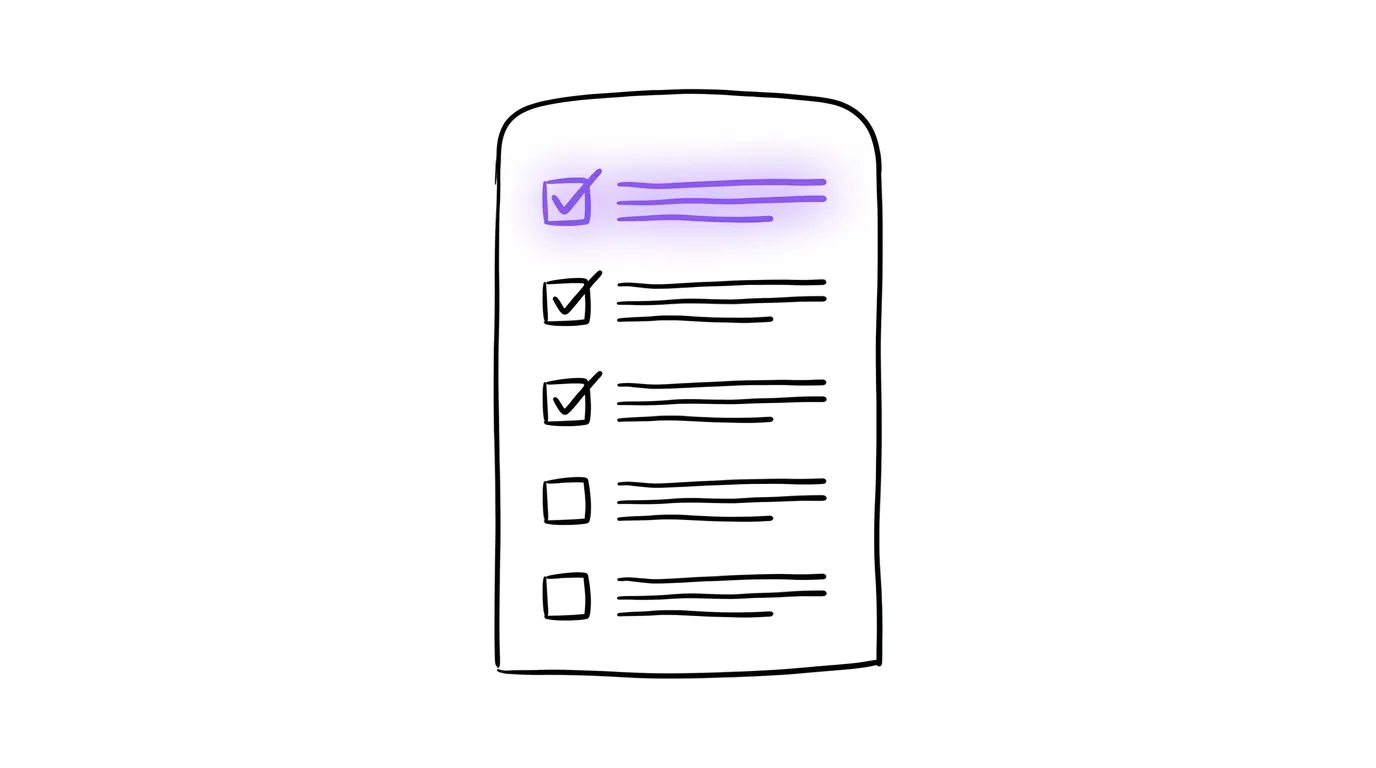
It is a short brief on where that client stands.
- What is on today
- What is on tomorrow
- What is in progress
- What is waiting on the client
The version in the free doc adds two more. What is waiting on you, and anything the client seemed unhappy or unsure about. I read the waiting on me part first. That is what the client will ask about.
The best part
Every single line shows where it came from. The call on the 22nd. The Slack message from the 24th. The task on the board.
This way you can check it before the call.
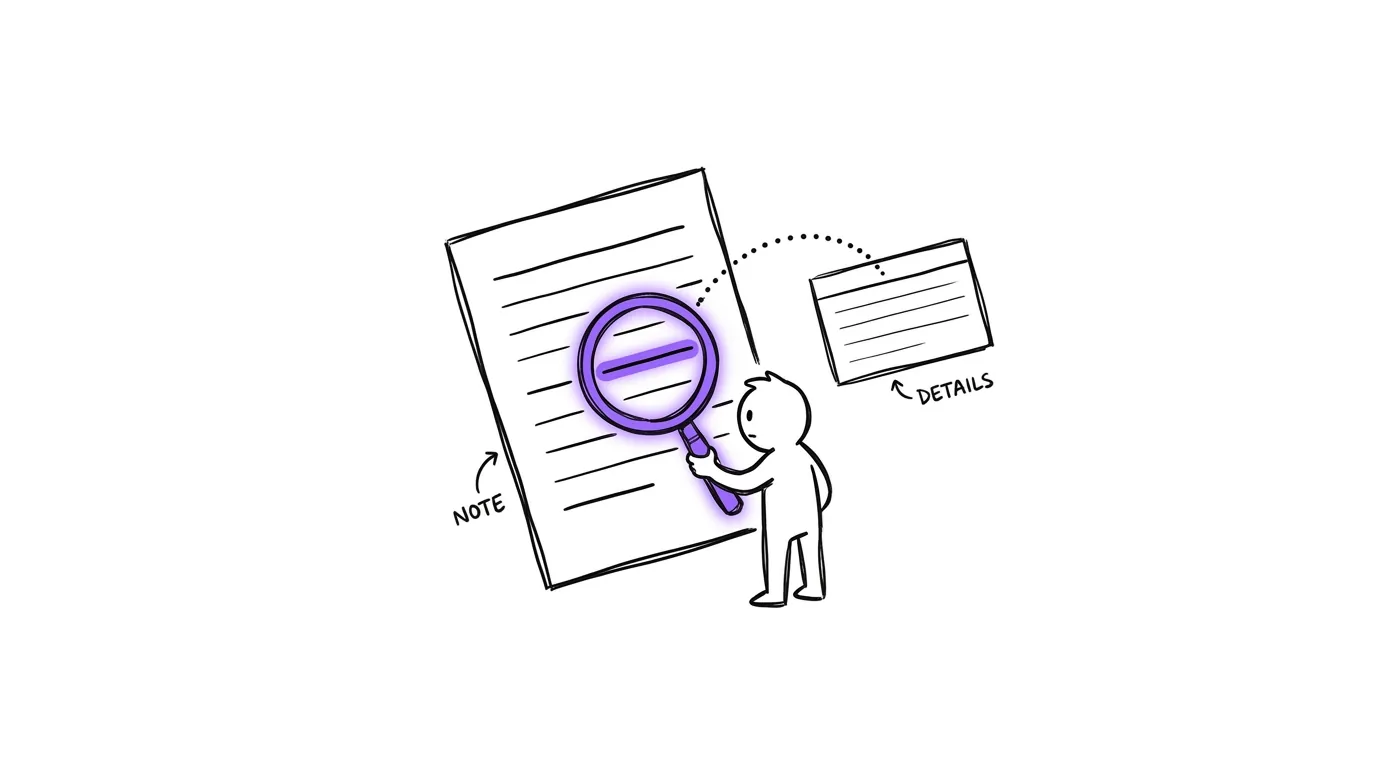
This matters because AI can get things wrong. If a line has no source, I do not bring it up on the call.
How to set it up for your own calls
You can start without a dashboard. All you need is the prompt.

Step 1. Gather what the brief reads
For one client, pull together:
- The notes or transcript from your last one or two calls with them
- Their Slack channel or email thread from the last two weeks
- Their tasks from your project board, open and done this week
Start by copying and pasting. Once it works, connect the sources so it pulls them for you.
Step 2. Paste the prompt
Copy this into Claude, then paste the client's notes, messages and tasks under it.
You are writing a short brief so I know where this client stands before my call.

Read everything below. Then write:
1. Today: what is happening today for this client.
2. Tomorrow: what is coming up tomorrow.
3. In progress: work that has started and is not done.
4. Waiting on me: anything the client or my team is waiting for from me.
5. Watch out: anything the client seemed unhappy or unsure about.

Rules:
- Keep each line short. One fact per line.
- After every line, say where it came from in brackets, like (call 22 Sep) or (Slack 24 Sep).
- If you are not sure about something, say so. Do not guess.
- If a section has nothing, write nothing for this.
Step 3. Check it before the call
Read the waiting on me section first. Then spot check two lines against their source. If a line has no source, leave it out of the call.
Step 4. Make it one button
Once the prompt works for a few clients, put it behind one button in the place your team already works. Your CRM or your dashboard. That is what we did for the PR agency owner.
What a brief looks like
This one is made up, to show you the shape. Your brief will use your client's real notes.
Today: New landing page goes live at 3pm (board, 25 Sep)
Tomorrow: Weekly report due to the client (call 22 Sep)
In progress: Second round of ad copy, 3 of 5 done (board, 26 Sep)
Waiting on me: Approve the new budget split (Slack, 25 Sep)
Watch out: They asked twice why leads dropped last week (email, 24 Sep)
Get the steps free
The prompt, the four steps and the example are in one doc. Copy it and use it before your next call.
FAQ
How long does the brief take to make? Ours takes about one to two minutes to run. By hand with the prompt, it is the time it takes you to copy the notes in.
Do I need to code to set this up? No. Start by copying the client's notes, messages and tasks under the prompt. You only connect the sources once the brief is useful to you.
What should I read first in the brief? The waiting on me section. That is what the client will ask about.
How do I know the brief is right? Every line says where it came from. Check two lines against their source before the call. If a line has no source, do not bring it up.
Does it run every morning? Ours runs when he clicks the button. He gets the brief right before the call.
What does the brief read? The client's calls, Slack, email and project board.