Claude vs Claude Code: Which One Your Agency Actually Needs
Claude and Claude Code have the same brain. Claude is for asking questions and gives you words back. Claude Code can read files, use the browser and run scripts, so it does the work itself. Use the chat for questions and drafts. Use Claude Code for daily, repeating work like reports and files.
- Most agency owners should start with Claude Code inside the Claude app
- Connect a GitHub repo, and that folder becomes its memory of your business
- Move to Claude Code on your laptop when level 2 cannot reach something
- Open a new thread for each new subject, on the same folder

I see this all the time with agencies. They pay for Claude. They live in the chat window. Then they hear about Claude Code and get a bit confused. What is the difference? Is it a programmer thing? Do I need it?
This post is the written version of my video. Watch it here: https://youtu.be/vY63_SZ4U54

I have helped more than 55 businesses use AI in their sales and their operations. So I know a thing or two about when to use the chat and when to move up. This is the short version.
There is also Cowork. It sits in the middle of the two. So I leave it out and talk about the two ends.
Same brain, two products
Claude and Claude Code have the same brain. Same intelligence. They are just two different products for two different reasons.
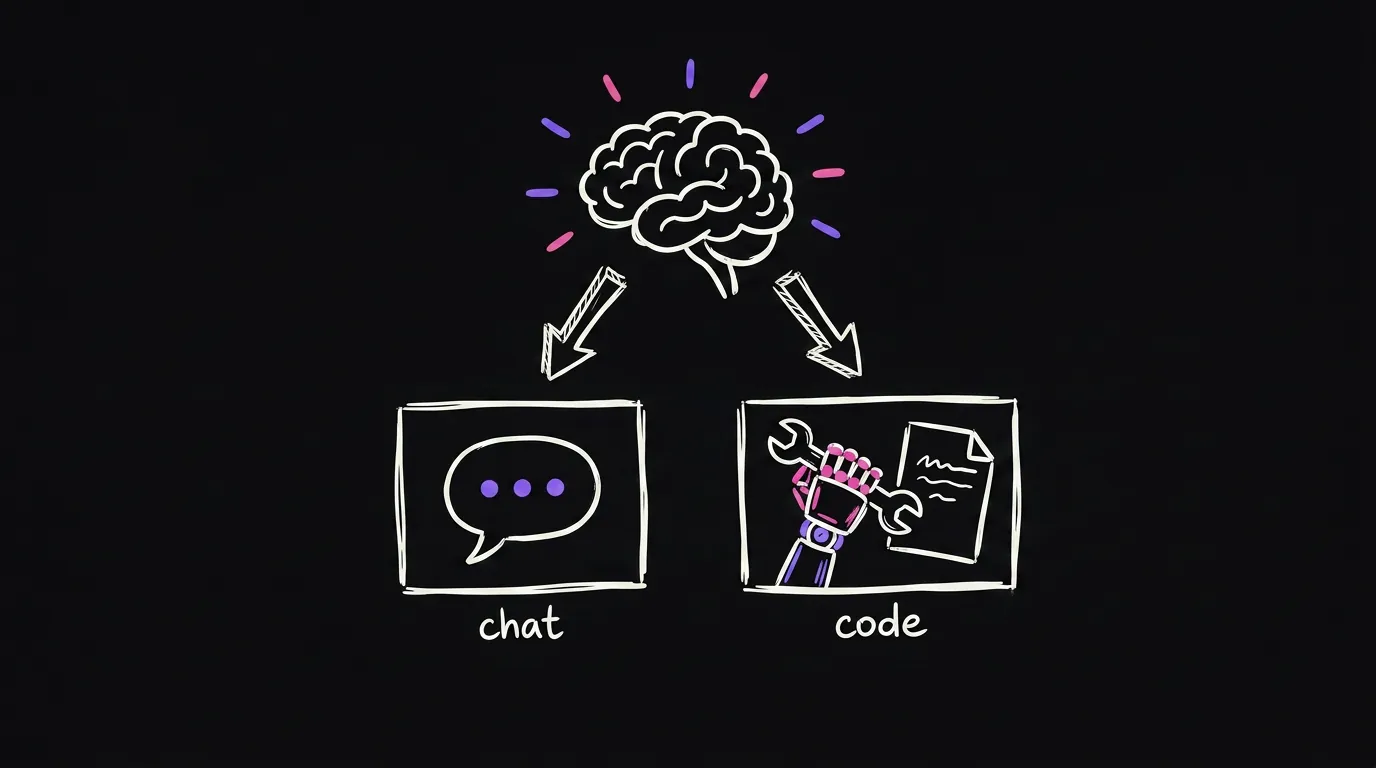
Claude is a very smart person you can talk to. You ask, it answers. And the thing it gives you back is usually words.
Claude Code is the same person, but we gave it a hand. It can read files. It can check the browser. It can create a script. It does the work itself.

That is the main thing. I could end the post here and you would know what to do. But let's dig a little deeper.
The test
Here is how I pick.
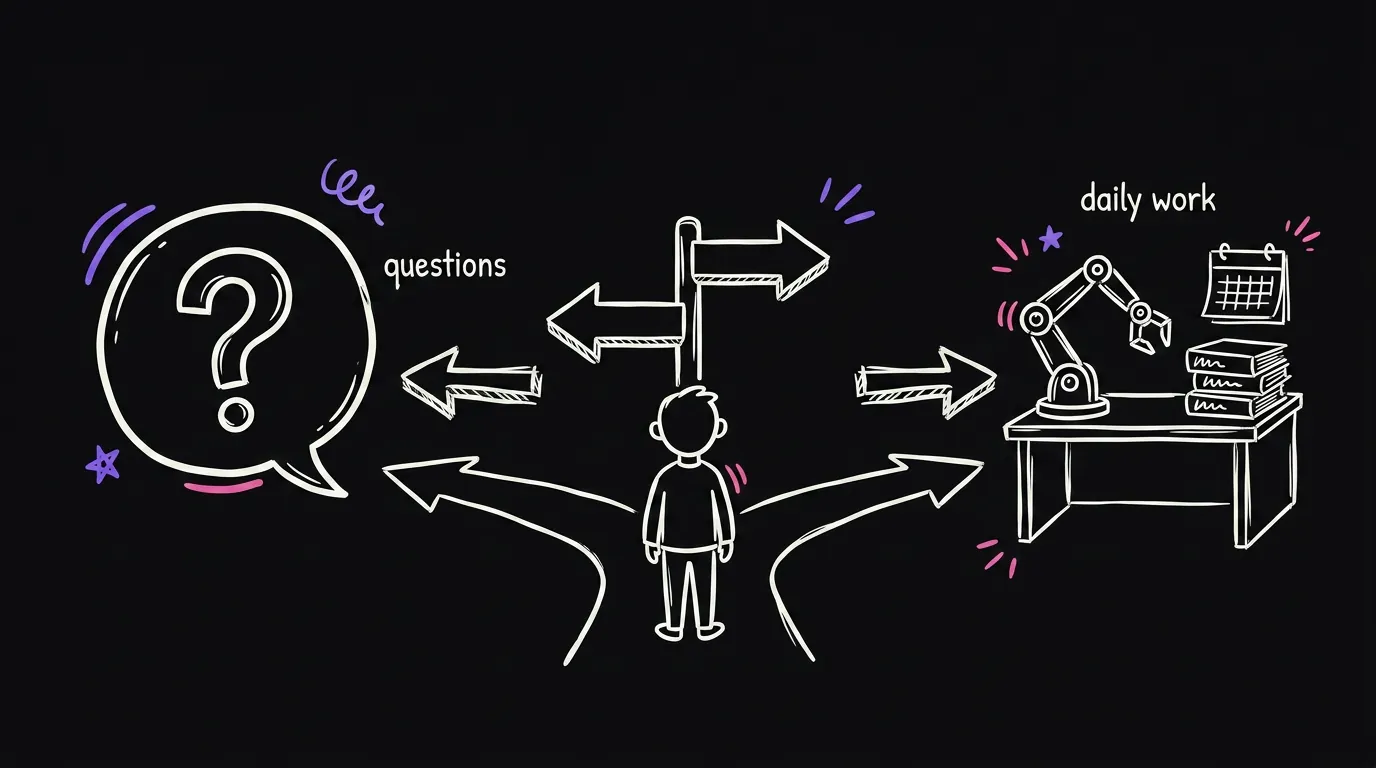
If you are just asking questions, use the chat. Thinking something through. A draft. A quick answer. The chat is perfect for that.
If it is daily work, use Claude Code. The report. The files. The repeating stuff. Because the chat gives you an answer and then you still do the job. Claude Code does the job.
The ladder
Claude Code comes in levels, and you do not need all of them. Think of it as a ladder. How far up you go depends on how much of your work runs on AI.
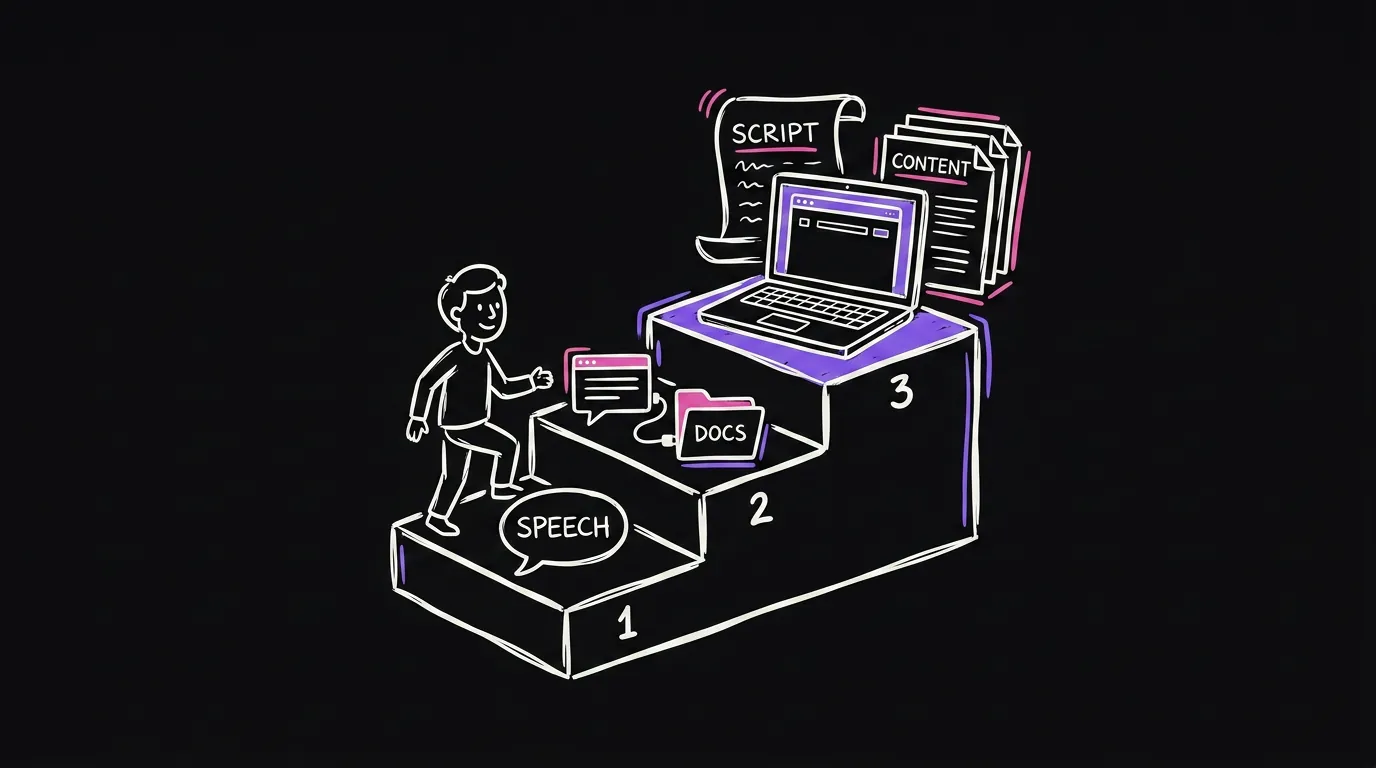
| Level 1: the chat app | Level 2: Claude Code in the app | Level 3: Claude Code on your laptop | |
|---|---|---|---|
| What it is | Claude in your browser or the desktop app | The Code tab inside the Claude app, connected to a repo or folder | Claude Code running in VS Code or the terminal on your machine |
| What it gives you | Words. Answers, drafts, step by step instructions | The work, saved into your folder | The work, plus your real files, your browser and real scripts |
| Setup | None | Create a GitHub repo, go to connectors, click connect | A local install |
| Who it is for | You mostly ask questions | Most agency owners | You use AI for almost everything |
| My pick | Fine if AI is a small part of your week | Start here | Move up when level 2 keeps saying it cannot reach that |
Level 1: the chat app
If you are just asking, this is enough. Ask for the step by step. Ask it to explain. It already has a lot of context about your business from what you have told it. I still use the chat app for this.
Level 2: Claude Code inside the Claude app
A lot of people ask me, do I need to use VS Code? Do I need the Claude app? If you are just starting out, use the Claude app. It makes everything simple.
You can connect a repo super simply. Create a GitHub repository. Think of it as a folder for your stuff. Then in the app go to Customize, then Connectors, search for the GitHub integration, and click connect. No setup on your machine.
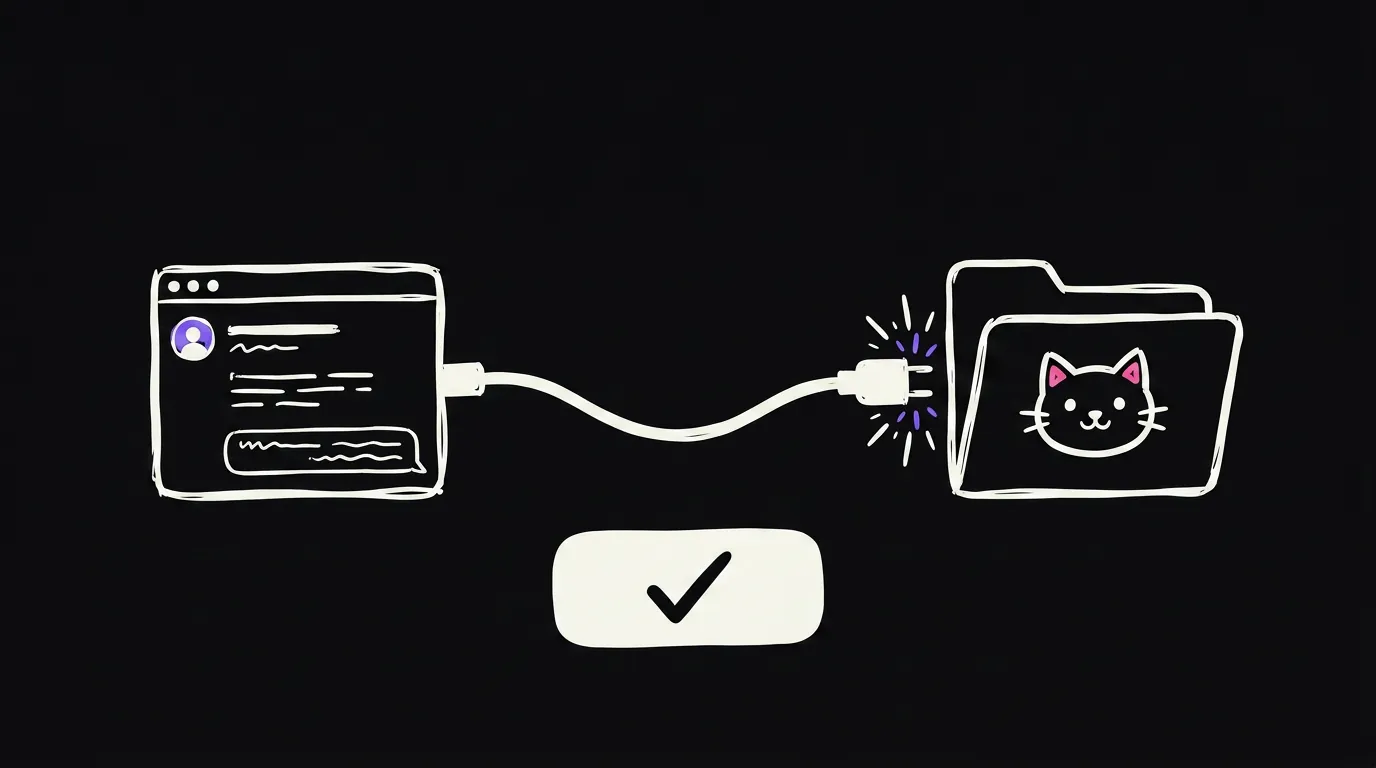
Once you are connected, you pick where it runs. You get local, cloud and remote. If you have your files on your laptop, pick local. If you want to keep it simple, pick cloud, which is usually going to be the GitHub repo. Then pick your repo or your folder, and that is it.
There are only a few settings you need to know about. The model. The effort level. The mode, which goes from auto to bypass permissions. I have mine on bypass. In your case, start on auto.
Your folder is its memory
Here is the part that makes level 2 work. The repo or folder you connected is where it saves everything it makes.
So if I say, hey, can we create a document for this client, it saves that document in the folder. It also saves the way it did it. If you create a new skill, same thing, it goes in the folder.
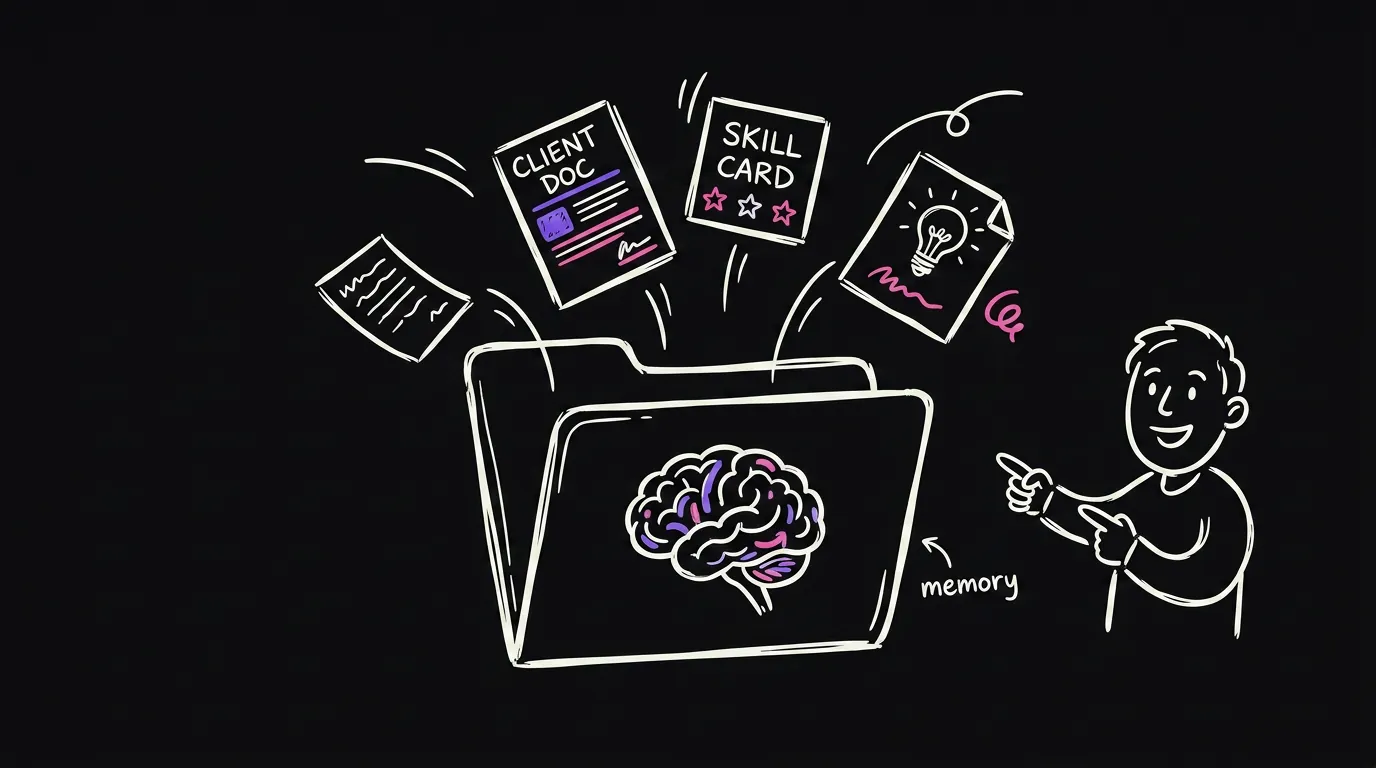
That folder is what gives Claude context about your business next time. That is the whole point of connecting one.
Level 3: Claude Code on your laptop
You can also run Claude Code on your laptop. This one is a bit more powerful. It has the browser. It can write real scripts and run them. Level 2 can use the browser too, but from what I have seen, level 3 has more flexibility.
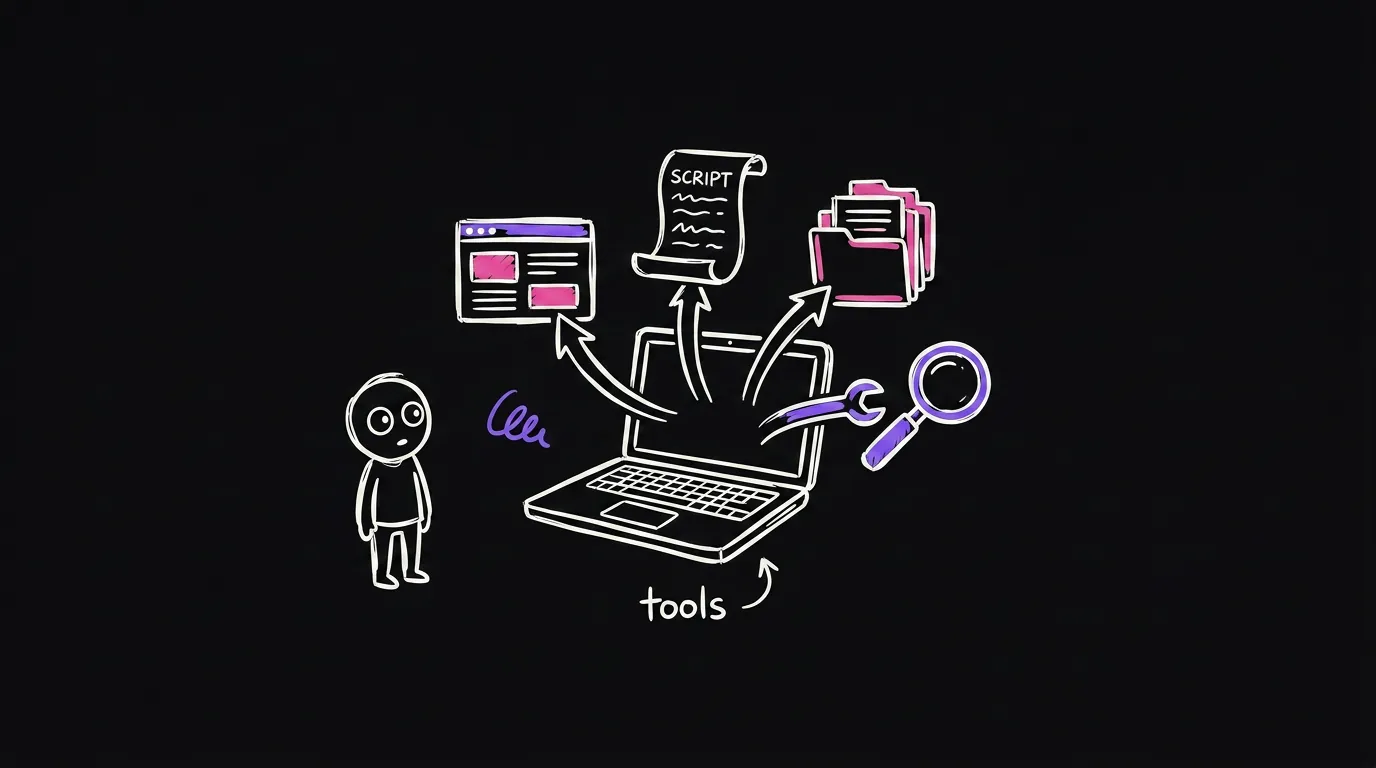
Just think about it as having a lot of tools. It can do more things. This is where I live, because I use AI for everything. If AI is not that deep in your business yet, you do not need this level yet.
One thread per subject
One more thing people ask me all the time. Should I have one giant thread, or one per subject?
A thread is just a new message. It has the context of the thread, plus the context of the repo or folder you connected. So you do not need to stay in one thread forever. A new chat on the same folder still has most of the context.
But here is the problem with one giant thread. There is a context window, and it fills up the more you talk. The more history it holds, the slower it gets in some cases, and the dumber it gets.

So I would not stress about it. Open a new thread every time you open a new subject. Pick the same repo or folder each time. That gives it all the context it needs to remember where you left off.
FAQ
Is Claude Code only for programmers? No. It has the same brain as the chat. The difference is that it can read files, use the browser and run scripts. If your daily work is reports, documents and follow-ups, that is exactly what it is for.
Do I need VS Code or a terminal? Not to start. Use Claude Code inside the Claude app. Create a GitHub repo, connect it under Connectors, and you are running with no setup on your machine.
What is a repo? Think of it as a folder for your stuff. Claude Code saves what it makes in there, and reads it back next time. That is how it remembers your business.
When should I move to level 3? When you use AI for almost everything and level 2 keeps saying it cannot reach a file or a tool. Until then, level 2 is enough.
Why did Claude get dumb halfway through my thread? The context window filled up. Long threads with mixed topics get slow and dumb. Start a new thread for every new subject and keep the same folder connected.
Hamza Oulad runs Qemoza, an AI ops partner for paid-media agencies. He and Finn build the systems in this post for agency owners who are stuck doing the work instead of selling.
If you are stuck on which level to start at, tell me what you use AI for and I will point you at the right one. That is also what I do for agencies at qemoza.ai.