How to Track Your Meta Ads With Claude on One Dashboard
Make a key in Meta Business settings that can read your ads and give it to Claude with your ad account number. Have Claude pull spend, views and clicks into one table every hour. Tag your ad links so your site knows who came from the ad. Then ask Claude for one page that shows every number top to bottom, and check one day against Meta Ads Manager.
- Before the click comes straight from the Meta API
- After the click depends on your funnel, so ask Claude how to track yours
- Run it on your laptop first, a server when you want it on all the time
- The numbers that matter most are what you spent and what you got back

I run an AI automation agency. Last month we made more than $38K in revenue, and most of the businesses we help are marketing agencies.
Working with them, I have seen a lot of systems for tracking KPIs through Meta. This is the most simple one. A dashboard that tracks your Meta ads, built with AI, in very few minutes.
This post is the written version of my video. Watch it here: https://youtu.be/9N2YV1KRhHA
Everything I use is free on GitHub: github.com/qemoza/meta-ads-dashboard. The prompt, the scripts and three cleaner dashboard designs.
What my own dashboard tracks
I built my own CRM, and it has a dashboard area where I track everything. For the ads, I track two main things.
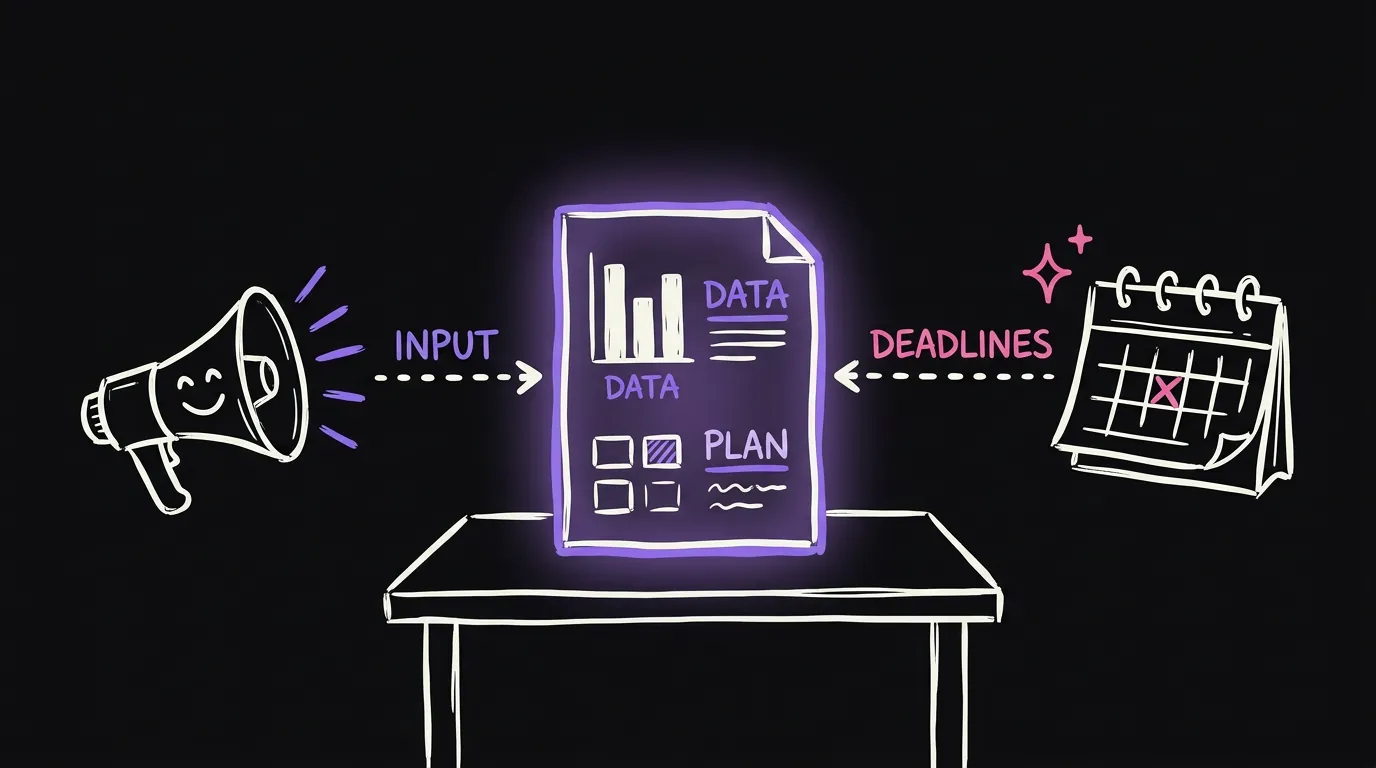
From spend to booked calls. I run a booked calls funnel, so I want to see every step between the money going out and a call landing on my calendar.
Speed to lead. How fast we get back to someone after they come in. This one is new.
For the ads themselves, I track:
- How many people saw the ad. That is impressions.
- How many clicked on the ad, and the percentage of that.
- How many landed on the page.
- How many answered the questions. We run a lead magnet funnel, so there are a lot of steps.
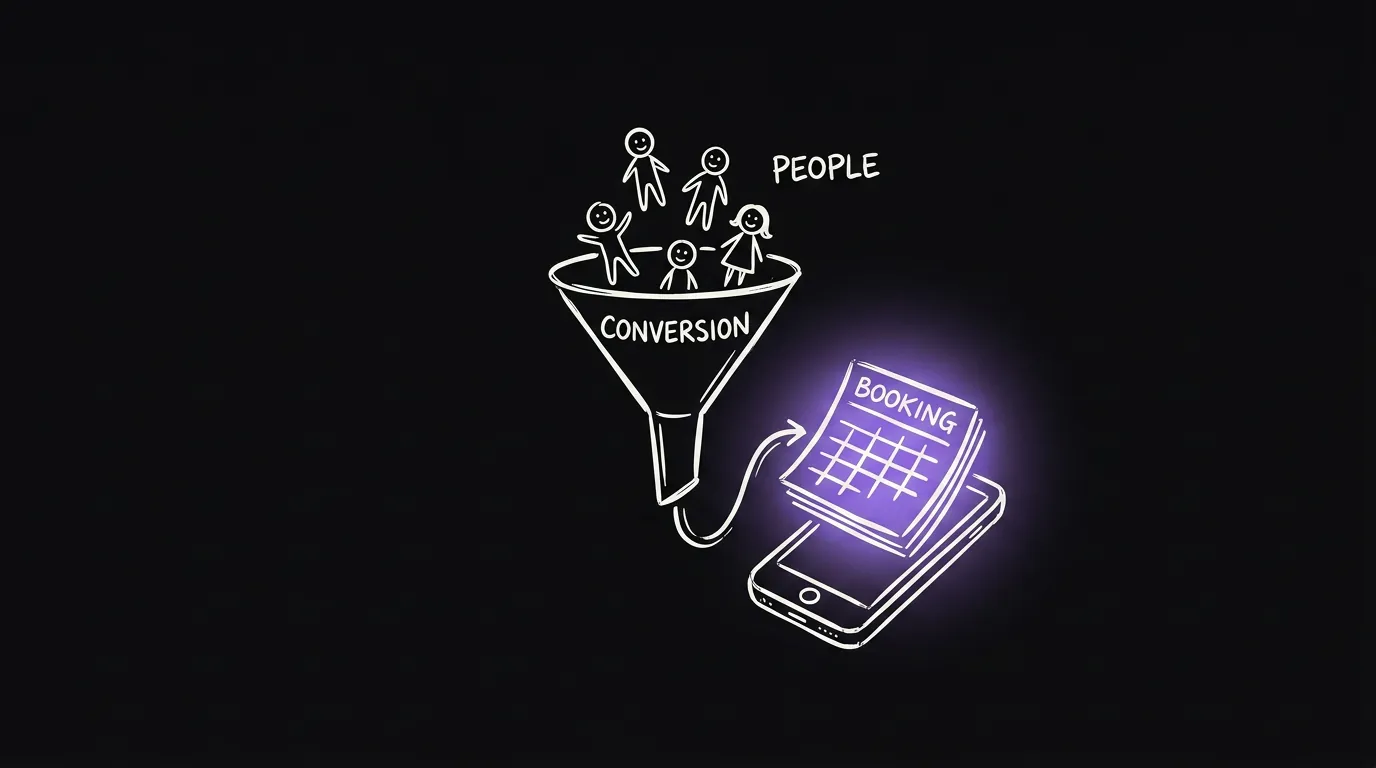
The idea is to track people across every single step. If you run a different funnel, it does not really matter. The numbers that matter most are how much you spent and how much you got from it. So CAC to LTV.
How to build yours
Keep it very simple. You need a couple of things.
1. Your Meta key
Go to Meta Business settings and make a key that can read your ads. Copy your ad account number. Then give both to Claude.

I would rather you use Claude Code for this. If you use Codex or something else, that works as well.
2. Pull the numbers every hour
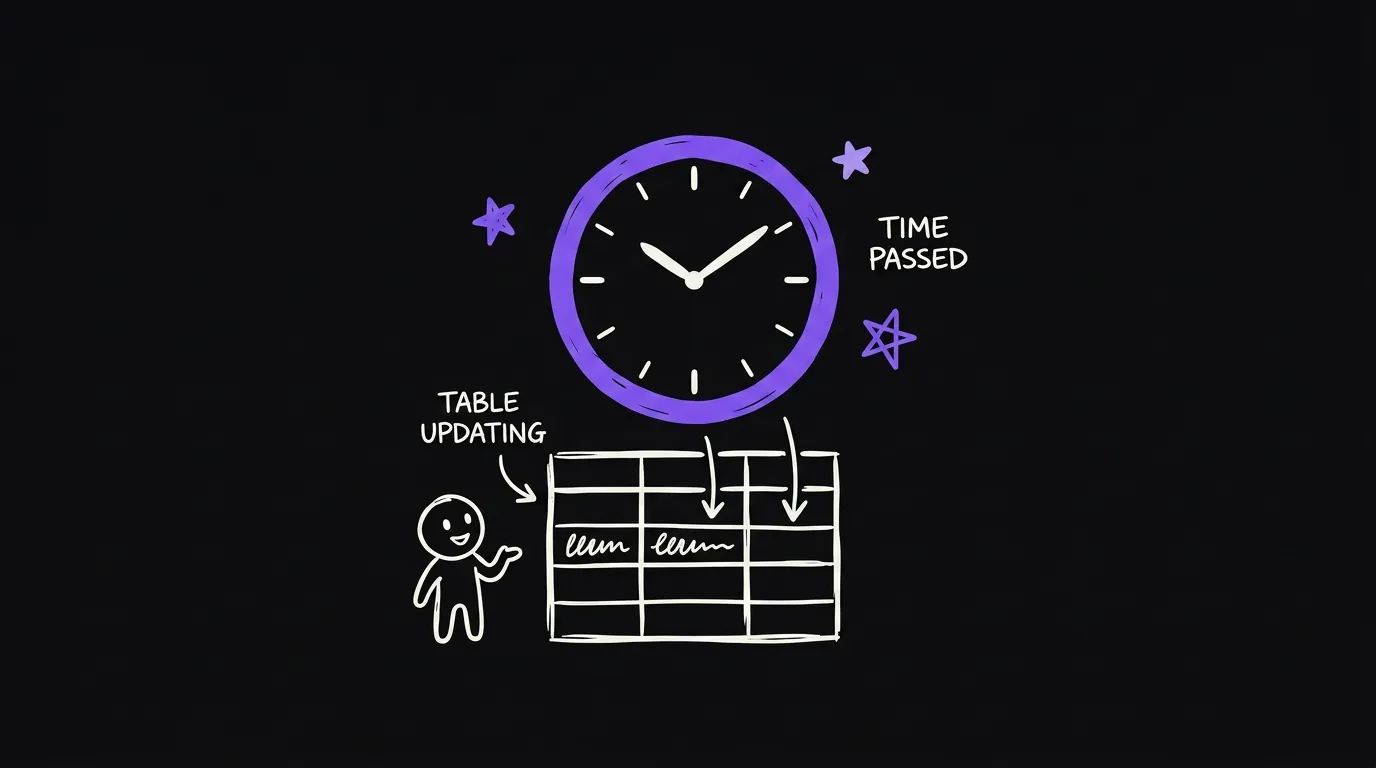
Ask Claude to pull your numbers into one table. Spend, views, clicks, everything. Claude writes a script that runs every hour.
To keep it simple, run the script on your laptop. That means it only runs while your laptop is open. If you want it running all the time, use a server, for example a Hostinger server, and have Claude set it up there.
3. Tag your ad links
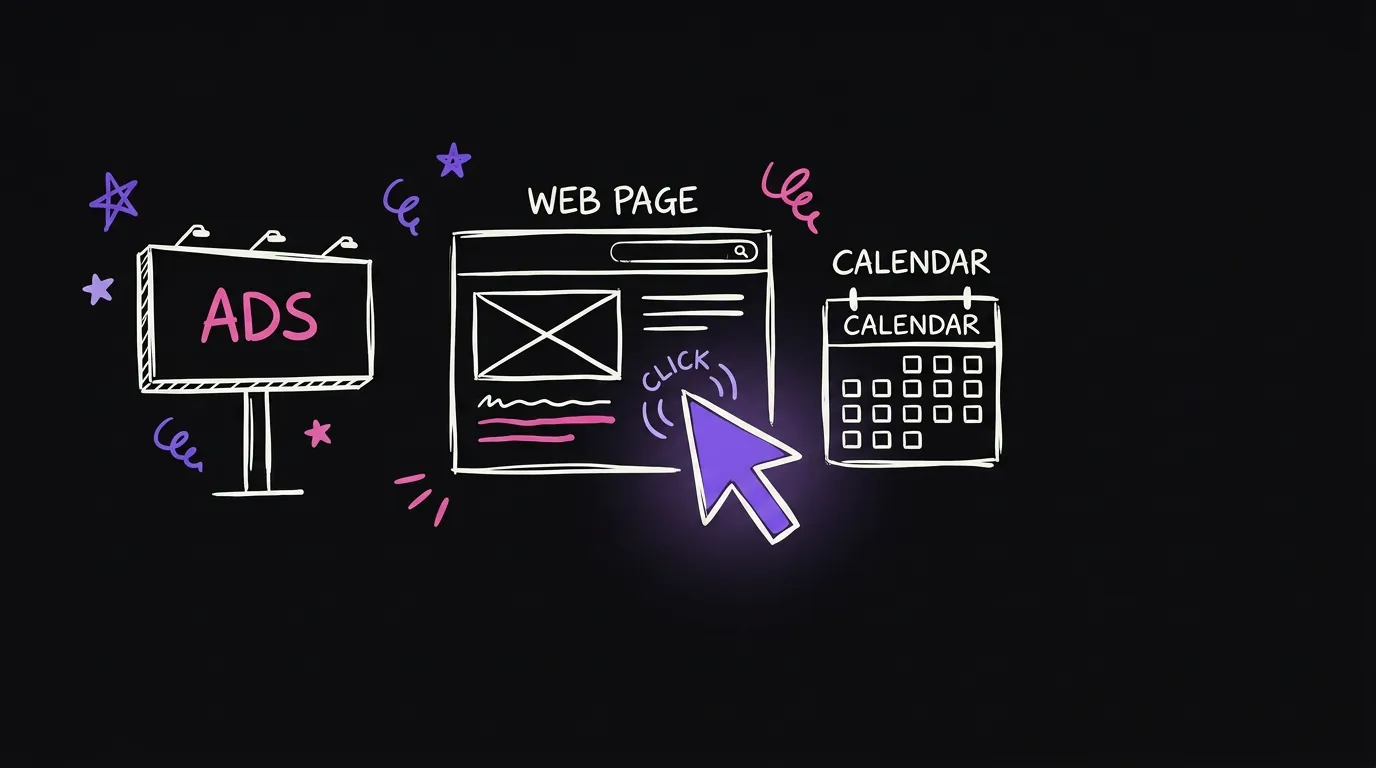
Put tags on your ad links. Otherwise your site will not know who came from the ad. Claude can help you with this. It is related to the pixel and tracking.
Before the click and after the click
There are two types of KPIs you are tracking.
| Before the click | After the click | |
|---|---|---|
| What it is | Impressions, clicks, spend | Landed, booked, showed |
| Where it comes from | The Meta API, with your key | Your funnel and your tools |
| How hard | Simple, the same for everyone | Depends on the funnel you run |
Before the click is simple. You get it all through the Meta key.
After the click depends on your funnel and the tools you use. My funnel is my own custom website, so every click on it gets tracked with custom code. If you run a GoHighLevel funnel, it is not as straightforward. Just ask Claude how you would track how many people click on this.
And if you optimize for bookings, you need to send that pixel back to Meta and track your booking rates too.
4. Ask Claude for one page
Then, based on everything, ask Claude for one page. A dashboard with all the numbers, top to bottom. It can run on your laptop in the beginning. You do not have to be fancy about it.
Watch Claude build it
In the video I run Claude Code inside VS Code and paste one big prompt. You can get it free in the repo. The prompt does four things:
- It tells you what it needs.
- It connects everything.
- It builds the page.
- It proves that the numbers from the API are exactly the same as what you see in Meta Ads Manager.
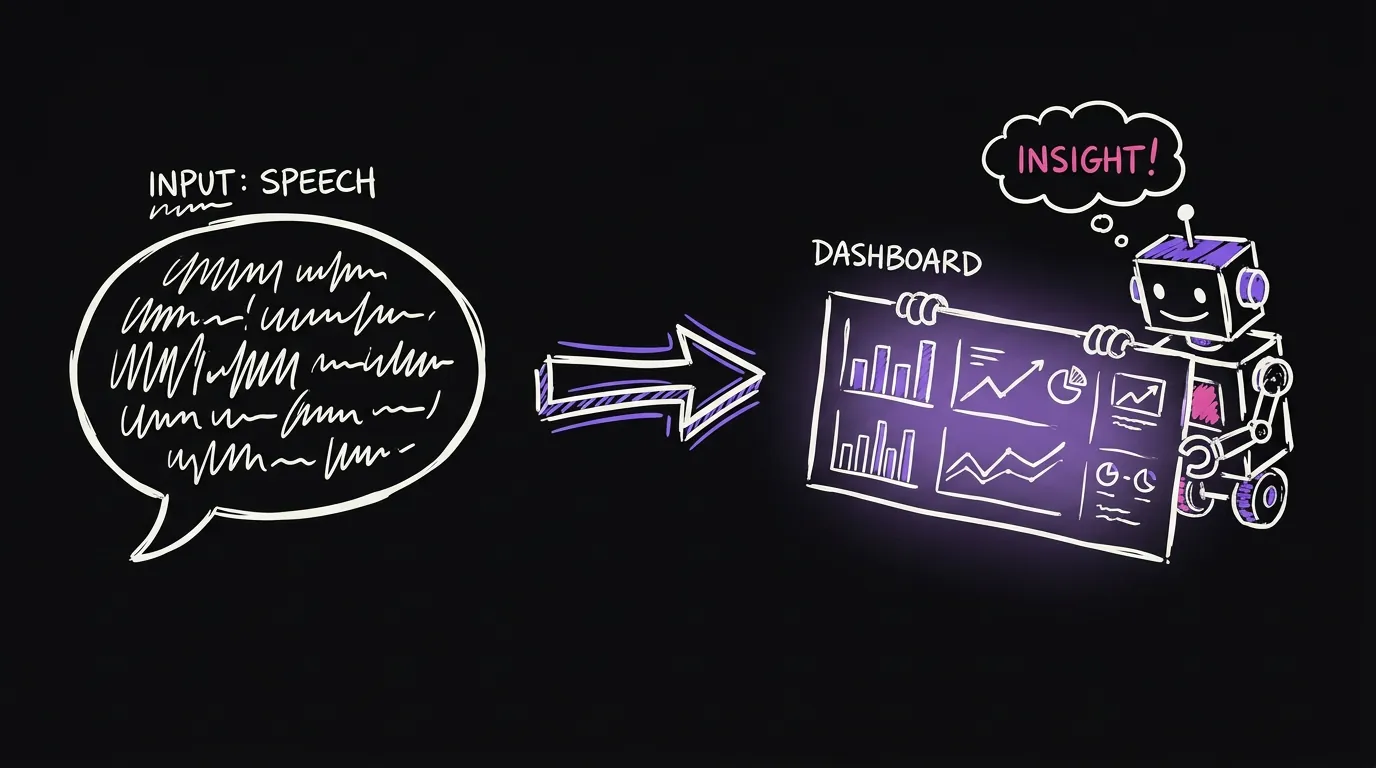
The first thing Claude asked for was the ad account number, and it told me how to get it. You follow the steps and tell it when each one is done. In my case I already had the keys, so it went quick.
The first page it built was not a very good UI. But it tracked everything from Meta, like the spend and the landed visits, and it was already wiring up booked calls, showed calls and cost per booked call. From there you tell it to make the page better and more detailed.
So you finish the Meta API first. Then you connect your funnel, whatever funnel you use. Then you double check the dashboard and make sure you see everything.
Get everything free
The repo has the prompts that help you do this exactly, the scripts that help Claude do it faster, and three dashboard designs that look a lot cleaner than the first one Claude made.
github.com/qemoza/meta-ads-dashboard
Follow the steps, and at the end you have a dashboard that tracks all your ads KPIs.
FAQ
Do I need to code to build a Meta ads dashboard? No. You give Claude your Meta key and your ad account number, and it writes the script and the page. You follow its steps one at a time.
Which numbers should I track for Meta ads? Before the click: impressions, clicks and spend. After the click: how many landed, booked and showed. In the end, how much you spent against how much you got back.
Does it have to run on a server? No. Start on your laptop. It only updates while the laptop is open. Move it to a server when you want it running all the time.
How do I know the numbers are right? Check one day against Meta Ads Manager. If the spend matches, you can trust the page.
What if I use GoHighLevel or another funnel tool? Tracking after the click depends on the tool. Ask Claude how to track each step in the tool you use, and it will walk you through it.