How I Make Image Ads With AI: The Whole Flow, No Designer
Follow seven steps: research, concept, copy, format, generate, review and ship. Pull the research from your client calls. Build each concept from an offer, a persona and an angle. Write the copy, then pick the format. Make the picture from words, from an existing ad, or with code and no model. Ask for ten at a time.
- The picture is the last step. Research, concept and copy decide the ad
- A concept is an offer, a persona and an angle combined
- Put every render on one page to save about half an hour a batch
- Ask for ten at a time so you have ten to pick from
Everyone has heard that AI makes ads now. Very few people know what the actual steps are between having a business and having a finished picture you can run.
I make the image ads for my own business with AI. I have helped more than 55 businesses use AI and we have built more than 500 automations, and a lot of those are around exactly this. So here is the whole flow, start to finish. Nothing to sell you. Everything I use is linked at the bottom.
This is image ads only. Video ads are a different job with different tools, and they get their own post.
This post is the written version of my video. Watch it here: https://youtu.be/fwnZes4DIFo
The flow
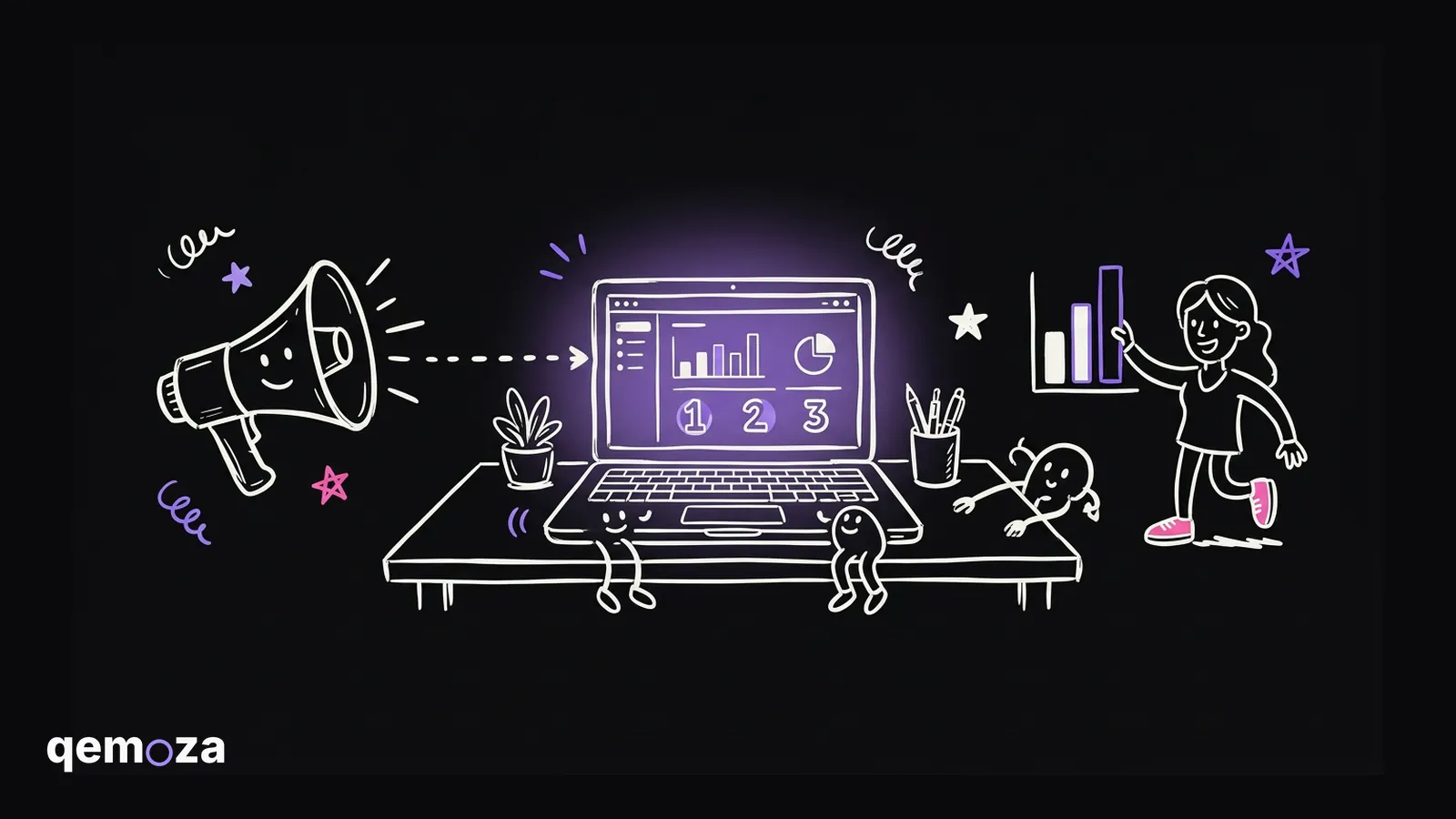
Seven steps. Research. Concept. Copy. Format. Generate. Review. Ship.
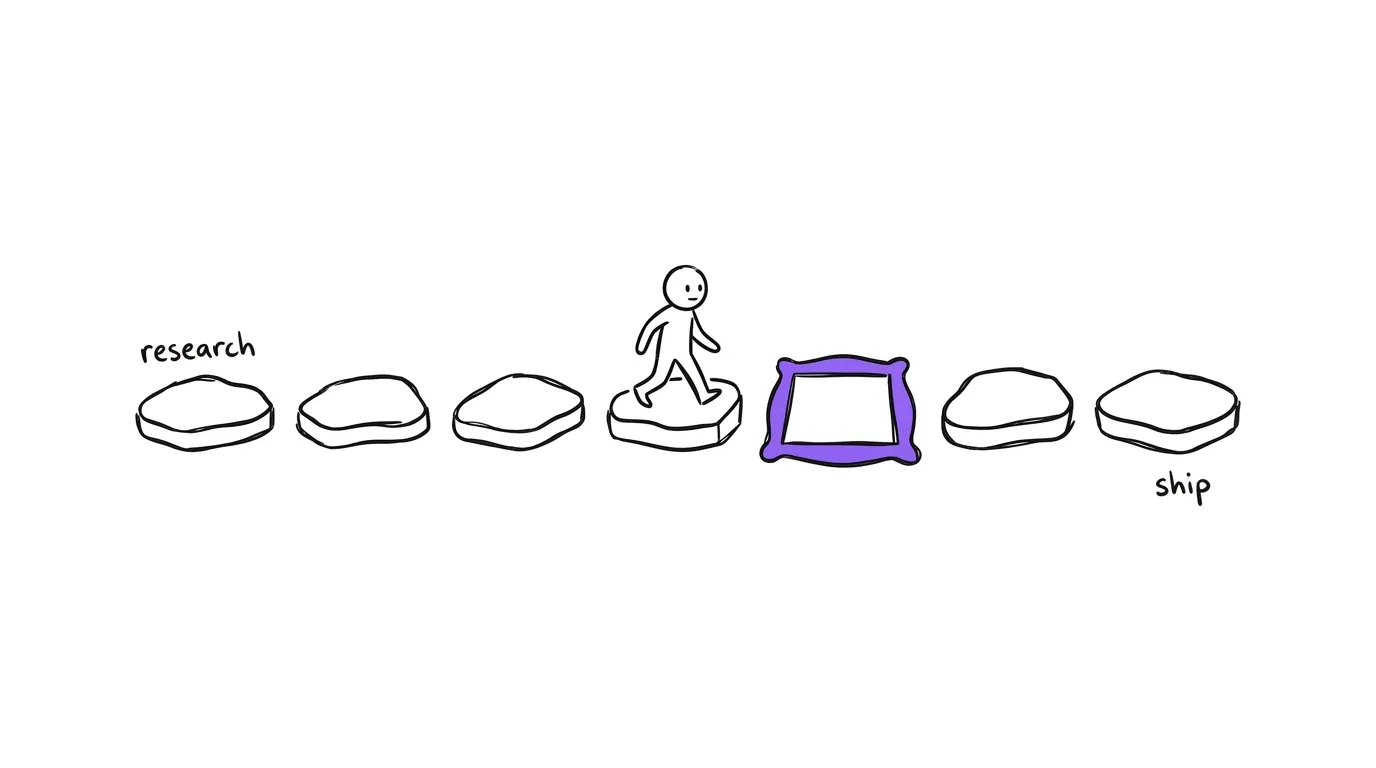
Most people start at step five. They make a hundred good looking pictures of an idea that was never going to work. The picture is the last thing. Everything that decides whether the ad works happens before it.
Step one: the research is already in your calls
Before you do anything, you need to know who you are talking to, what you sell them, and why they buy.
You do not need to go and find that. It is in your calls. It is in every conversation you have had with a client. You put those through Claude and it hands you back the person you are selling to, what they want, and the words they use for it.
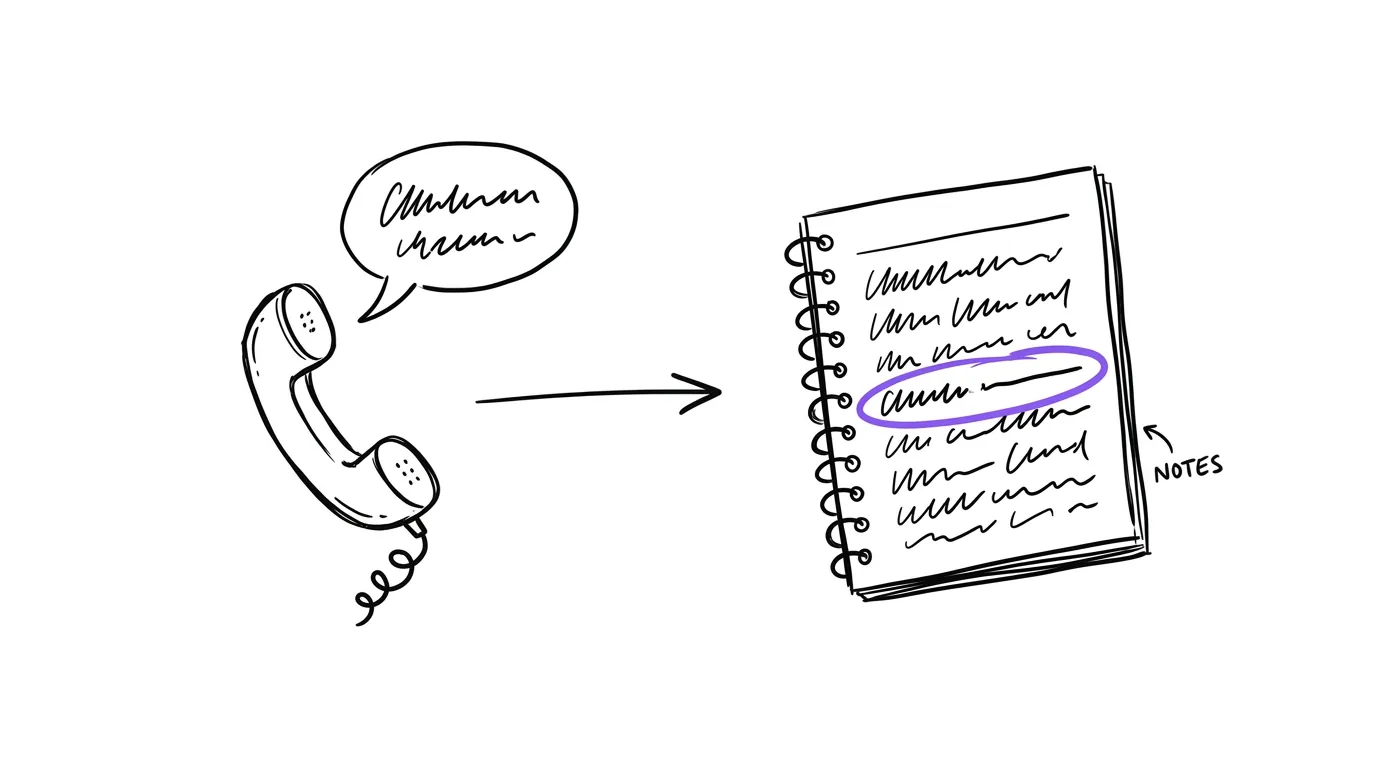
Best case, this comes from people who already bought from you. If you do not have that yet, you research the people you want to reach. Either way, do this first.
Step two: a concept is three short lists
A concept is the thing you build the ad out of. It is made of three things.
The offer. What they get. The persona. Who this is for. The angle. What you are arguing.
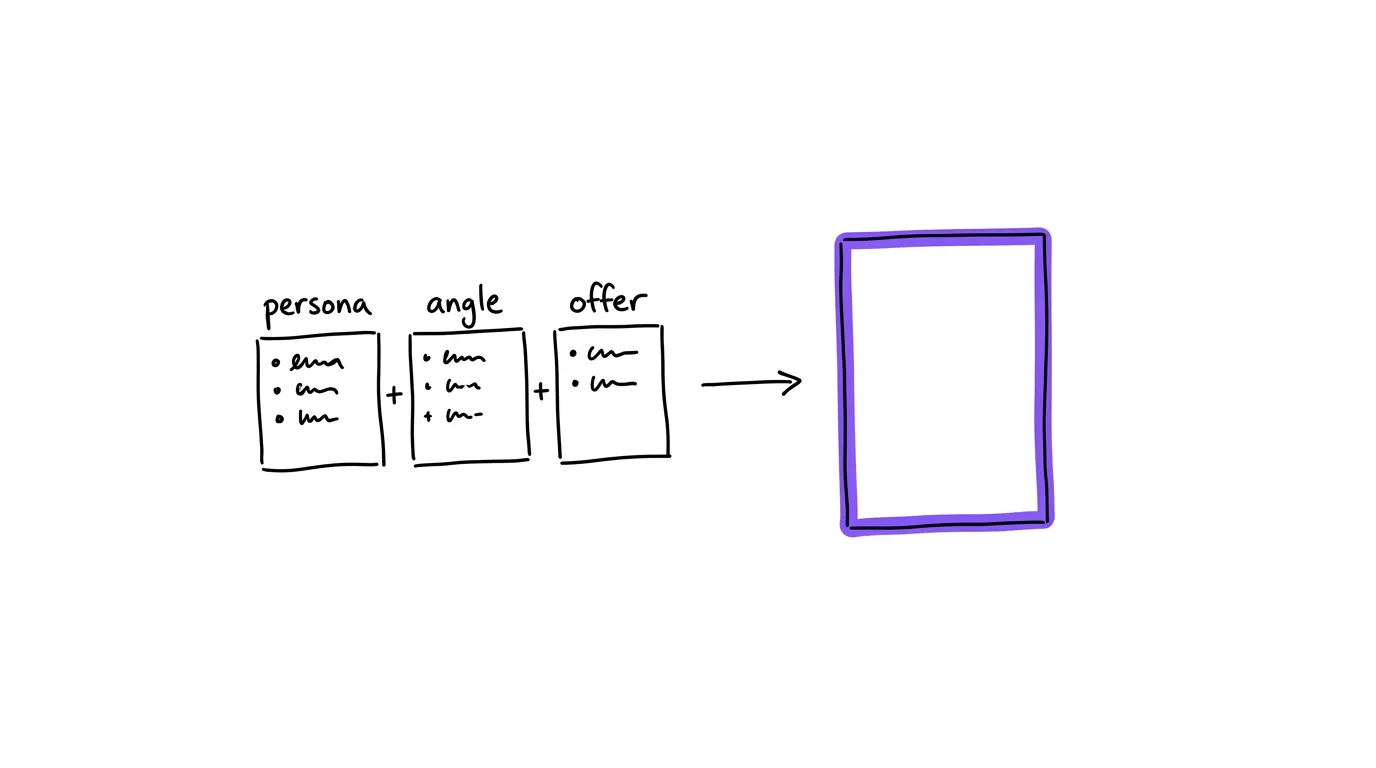
Most people have one offer. They have a couple of personas. Angles are unlimited, and they come straight out of the conversations. Your customers tell you what they want and how they want it, and every one of those is an angle.
Change one of the three and you have a new concept. That is the whole trick. You do not need a hundred ideas in your head. You need three short lists and you combine them.
Step three and four: the words, then the shape
Step three is the copy. An image is just a way of carrying a message. The message is the copy, and you write it off the concept.
Step four is the format. This is the one people spend the most time on and it matters the least. The format is just what the thing looks like. A native image that looks like a screenshot. A carousel. A plain card with text on it. Pick it after the words, because the words tell you what shape they need.
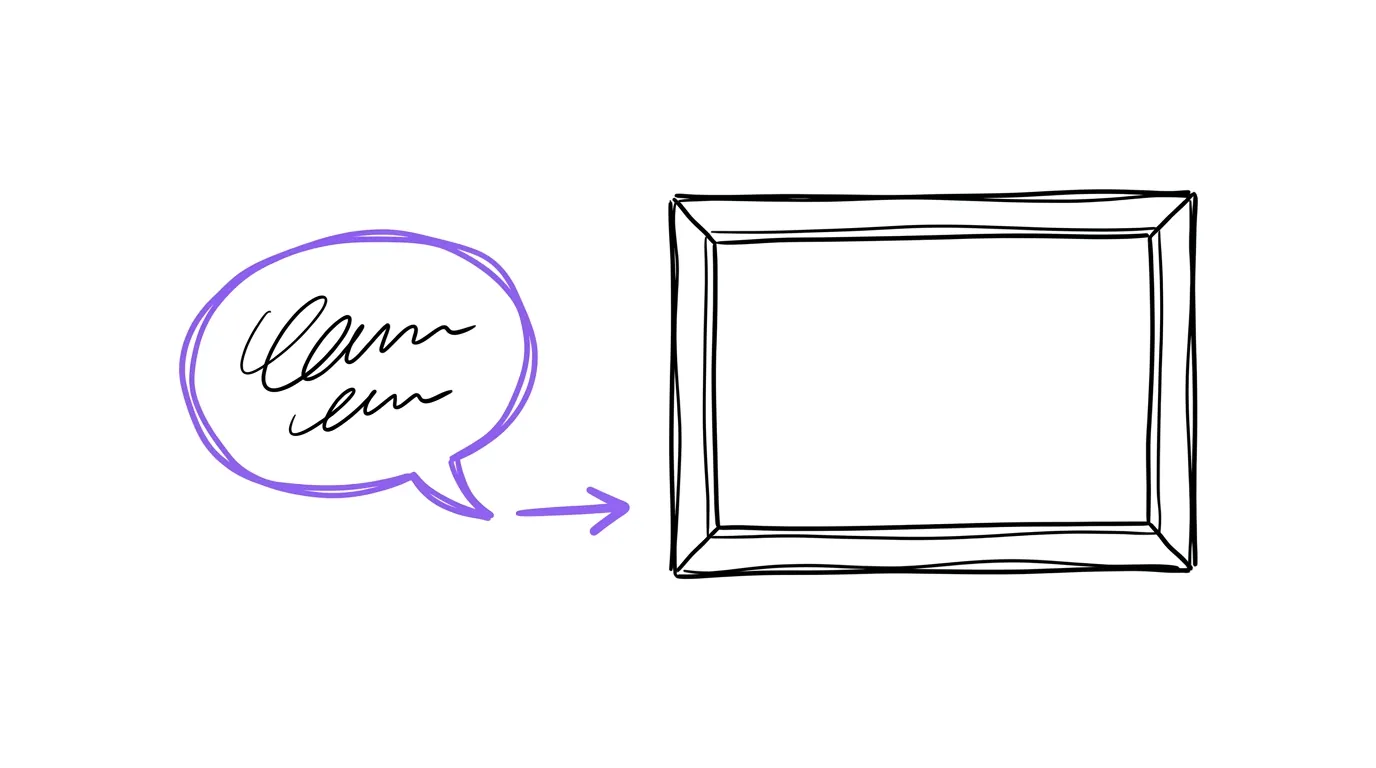
Research, concept, copy. That is the work. The rest is production.
Step five: three ways to make the picture
There are three ways to make the picture, and I use all three.
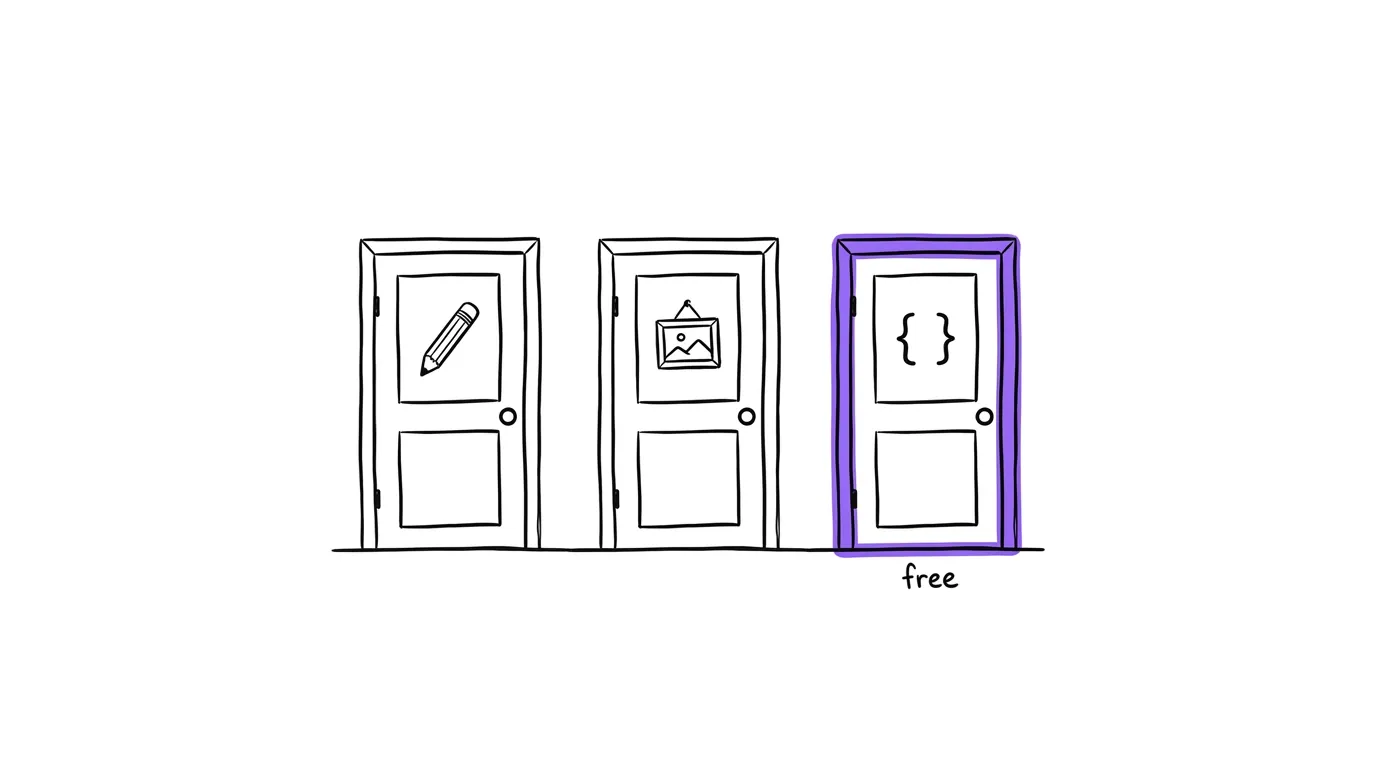
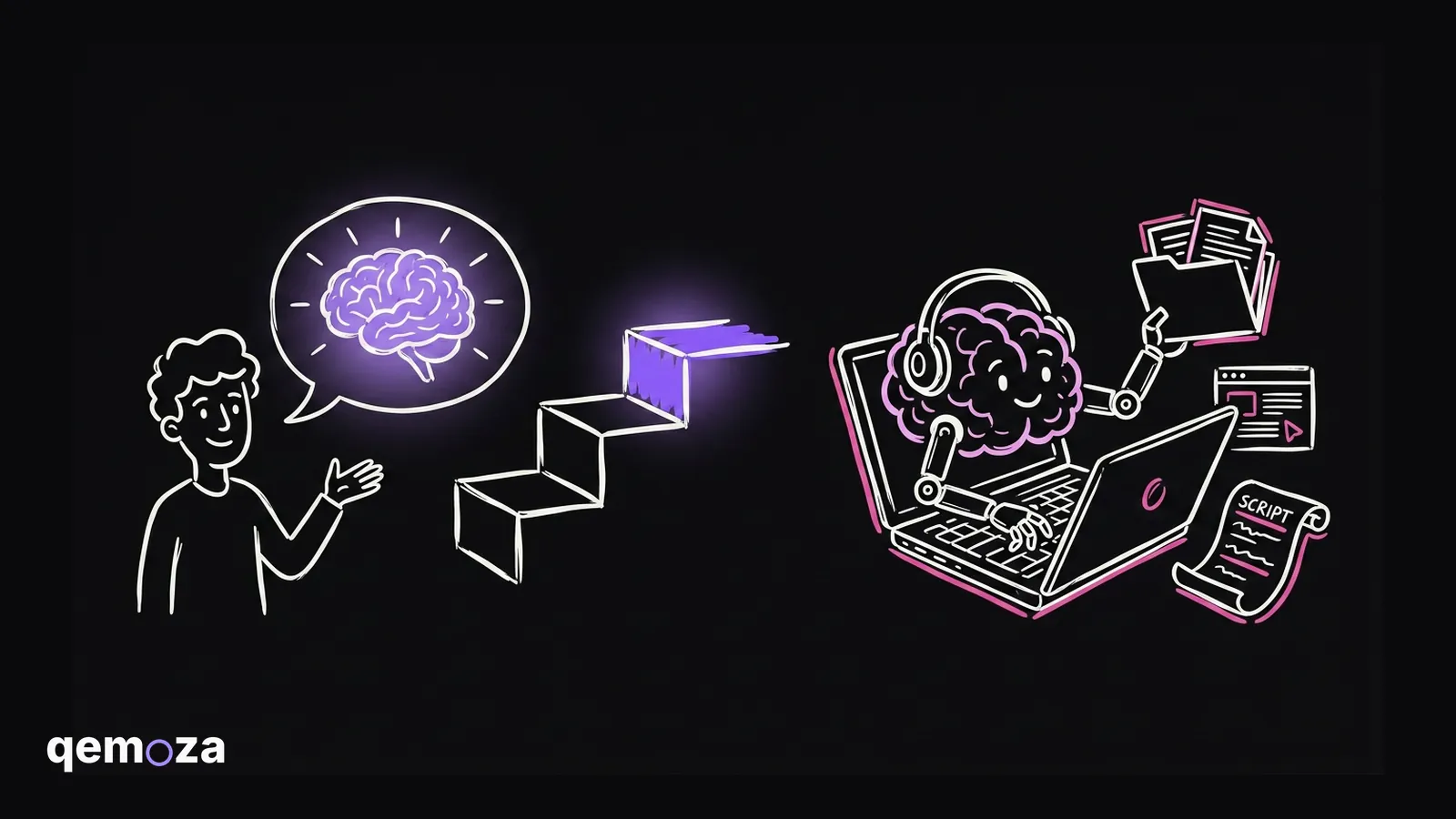
Words to image. You have the copy. You give it to the AI and it draws the picture. This is where the strange ones come from, the ones that stop a thumb.
Image to image. You start from an ad that already exists. A competitor. A format you like. You hand the AI that picture plus your copy, and you tell it to keep the format and change the words so it fits your offer. I use Atria to find other people's ads for this.
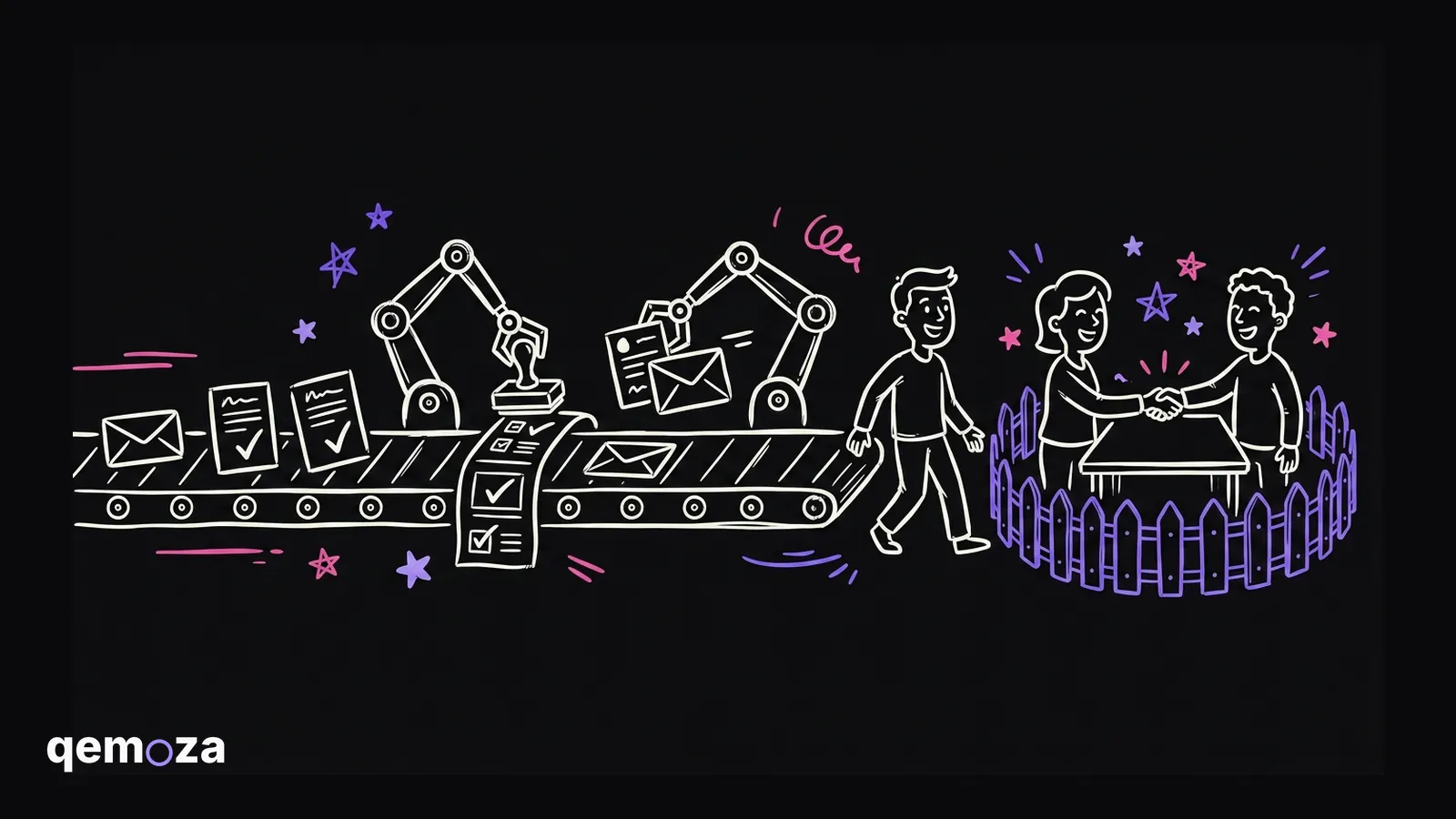
Code, with no model at all. A lot of the best running image ads are a plain background with text on it. You do not need an AI model for that. Claude Code writes a bit of code that takes a template and puts your words in. It is free. It is a little boring, but in a good way.
| Way | What you give it | Cost | Best for |
|---|---|---|---|
| Words to image | The copy | Cents a picture | The odd, scroll stopping ones |
| Image to image | A reference ad plus your copy | Cents a picture | Formats that already work |
| Code, no model | A template plus your words | Free | Plain text on a colour |
The two tools
You need two things.
The first is Claude Code. If you do not know how to use it yet, go learn it. It is simple and it will save you a lot of time in any business.
The second is OpenRouter. It is one place with every model in it. Text models, image models, from every lab, behind one key. Put some credit in, turn on auto top up, copy the API key, and give it to Claude. That is how Claude gets to draw.
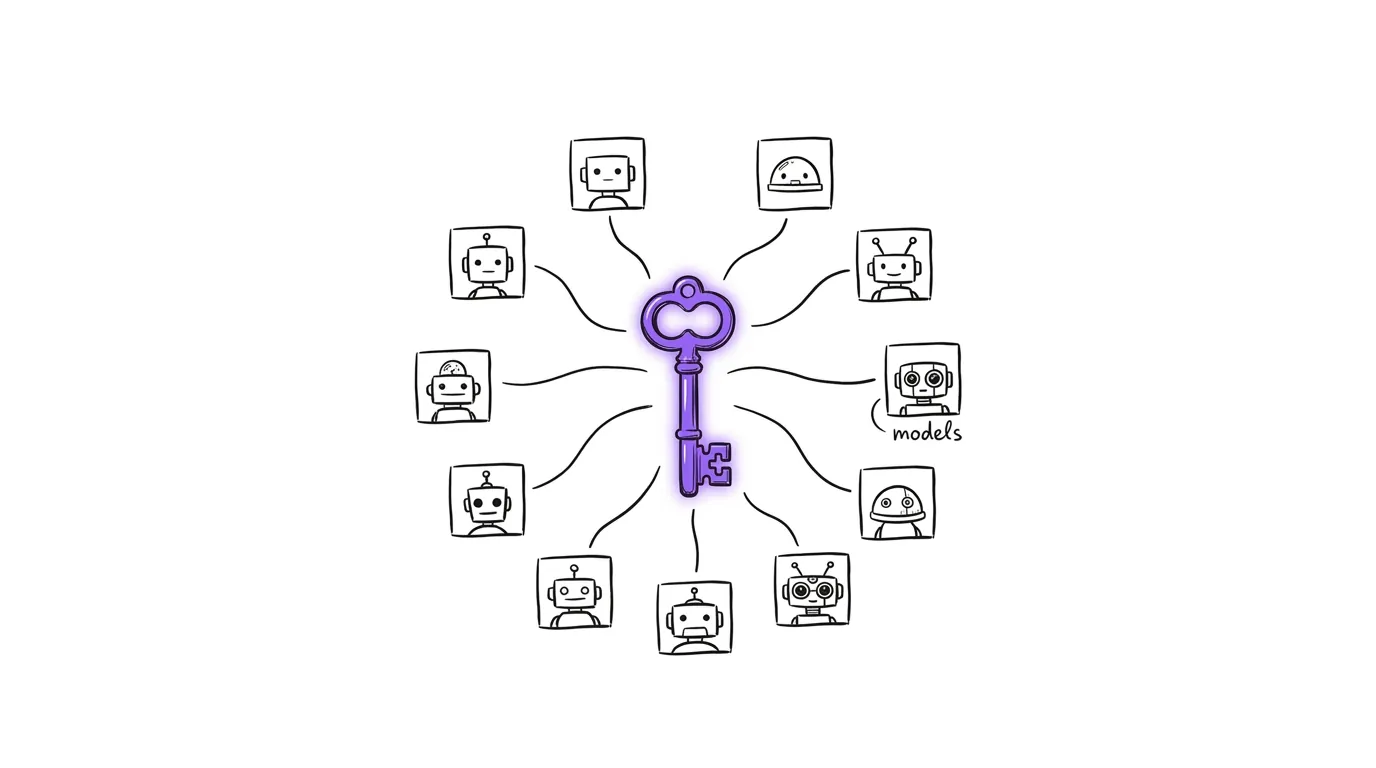
Then you go through the flow. Research, concept, copy, format. You tell Claude what you want, or you give it a reference ad, and it generates the batch. In the video I gave it one screenshot of a Dan Martell ad and one line of instruction, and it came back with the same format carrying my copy.
Step six: look at them properly
Here is the thing that changed my week.
I used to open the renders one at a time. Look at one, go back to the chat, type what was wrong, open the next one, go back again. Window, window, window. It was the slowest part of the job and it was not even the work.
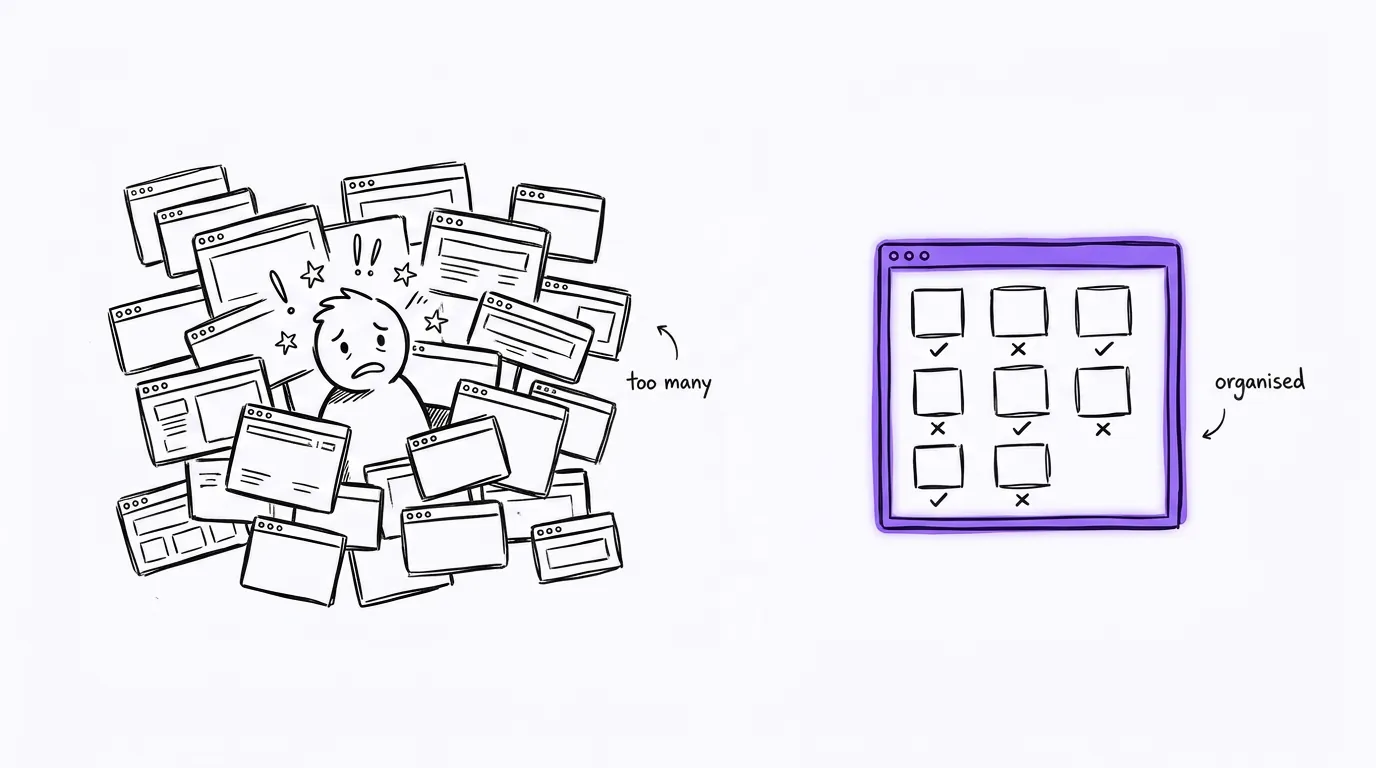
Now every render lands on one page. Every variation at a size I can actually read. Keep, edit or kill under each one, and a box to say what is wrong with it. I use voice input and just talk. Then one button copies the whole review, I paste it into Claude, and it does the next round.
That is about half an hour back for me on every batch. The page is in the starter repo below. Ask Claude for it and it builds one.
Step seven: ship it, and ask for ten
The ones that pass go into a sheet, one row per ad, and then they get posted. That is the flow.
One last rule. When you generate, do not ask for one. Ask for ten.
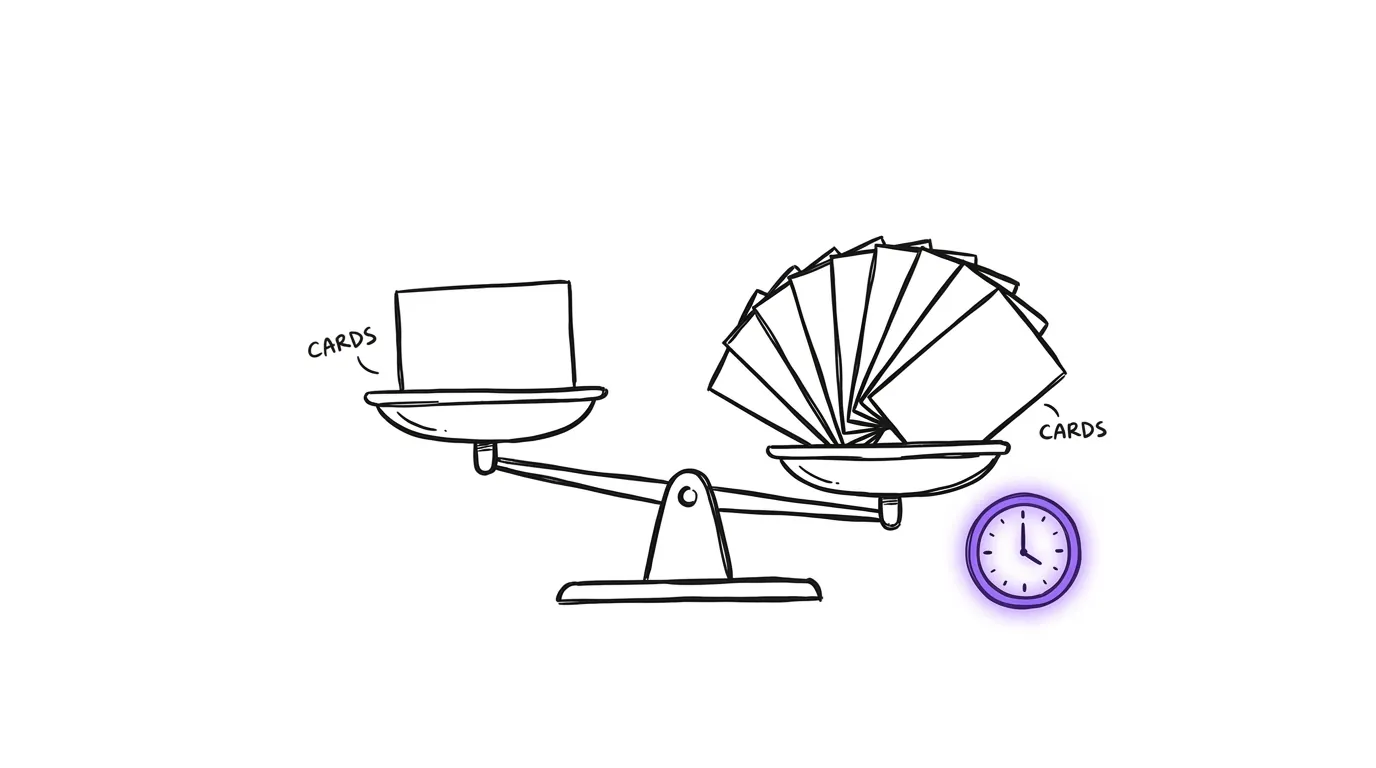
You will spend a little more credit. You will earn back the time you would have spent giving feedback three times over, because you have ten to pick from instead of one to fix.
FAQ
Do I need a designer for this? For image ads, no. The AI draws the picture. Your job is the research, the concept and the words, and that is the part that was always the real work.
Which image model should I use? Go through OpenRouter and try a few. The models change every month. The flow does not.
How much does a batch cost? Cents per image on the paid routes, and free on the code route. Ask for ten at a time. The credit is cheap and your time is not.
What is a concept, in one line? An offer, a persona and an angle, combined. Change one and it is a new concept.
Does this work for video ads? Different tools, different problems. That gets its own video.
Hamza Oulad runs Qemoza, an AI ops partner for paid-media agencies. He and Finn build the systems in this post for agency owners who are stuck doing the work instead of selling.
Everything from the video is free in one place: the ads skill, the batch generator and the review page. https://github.com/qemoza/image-ads-starter
If you are stuck on any step, tell me where and I will show you how I would do it. That is also what I do for agencies at qemoza.ai.