The Hidden Hour: Why Every Call Costs You More Than the Call
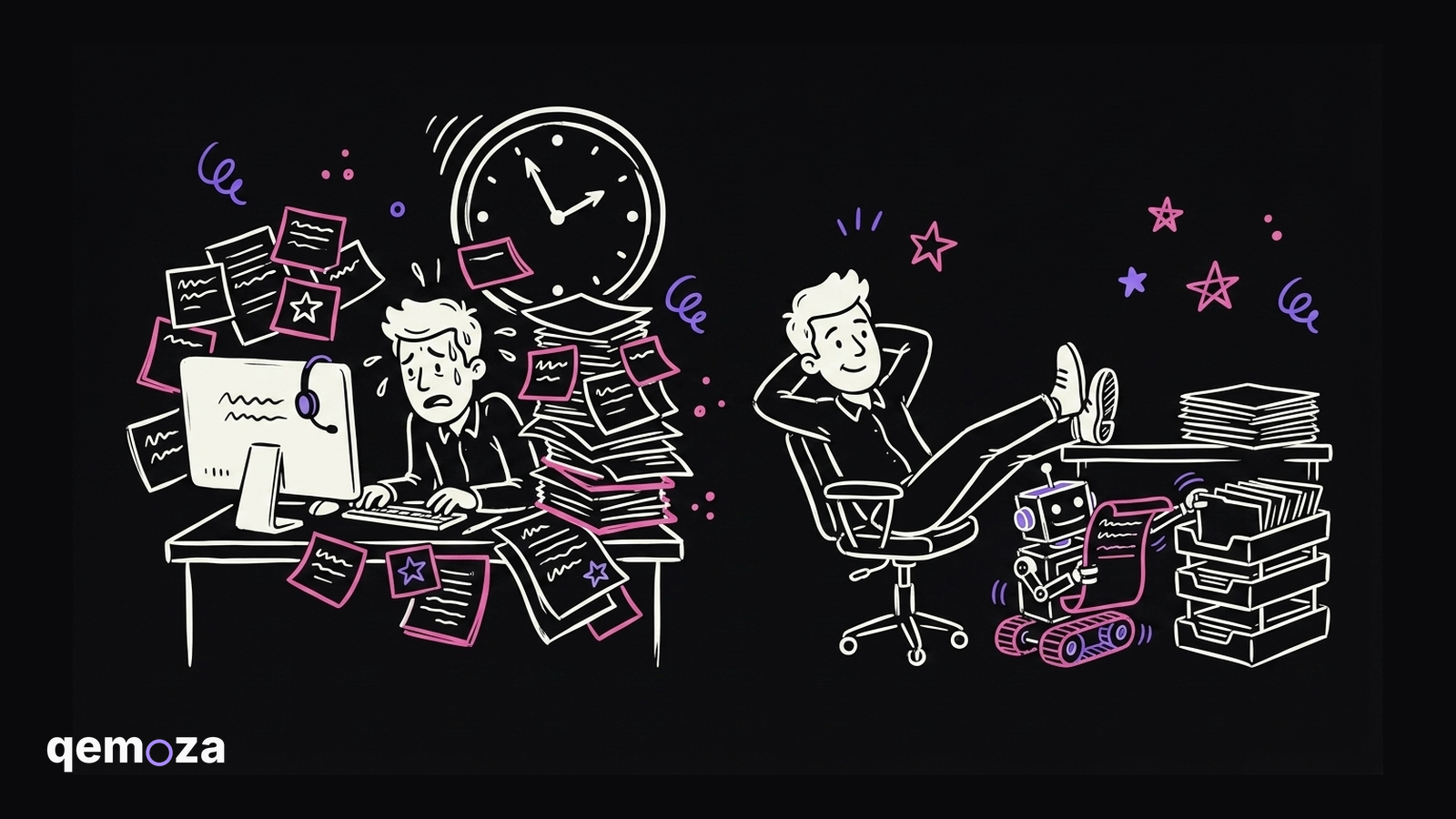
You had a productive day. Five calls, back to back. Sales calls, client calls, team calls.
Then the calls end. And now the real cost shows up.
You have to check everything. Write the notes. Create the tasks. Draft the follow ups. Make sure nothing was missed. That can take two, three, sometimes five hours depending on how much comes out of your calls.
I call it the hidden hour. Every call has one hiding behind it.
The part that baffles me
Most people don't even see this as a problem. It just feels like part of the job.
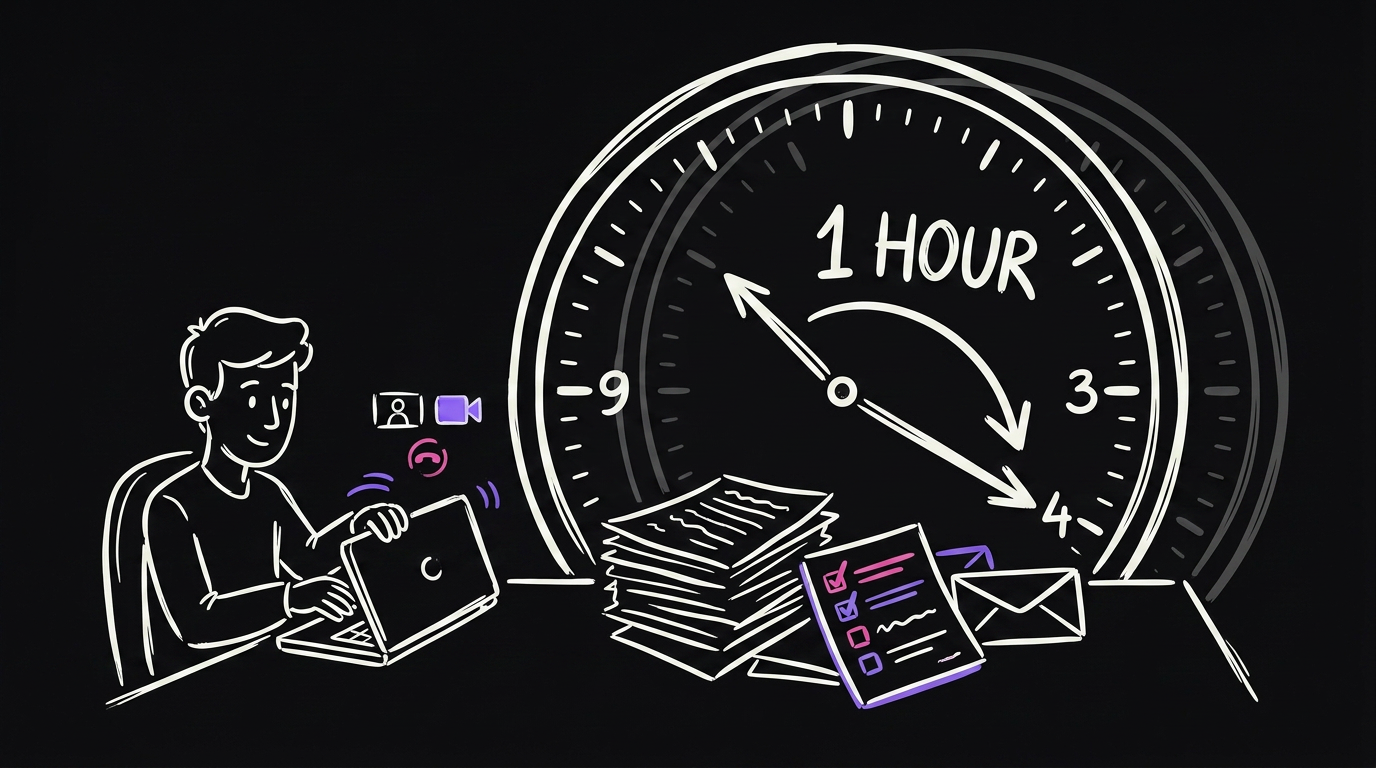
But look at what it does to your week. Say you do five calls a day. That is up to five extra hours of busywork stacked on top of the calls themselves.
And there is a second cost that is worse. Your team waits.
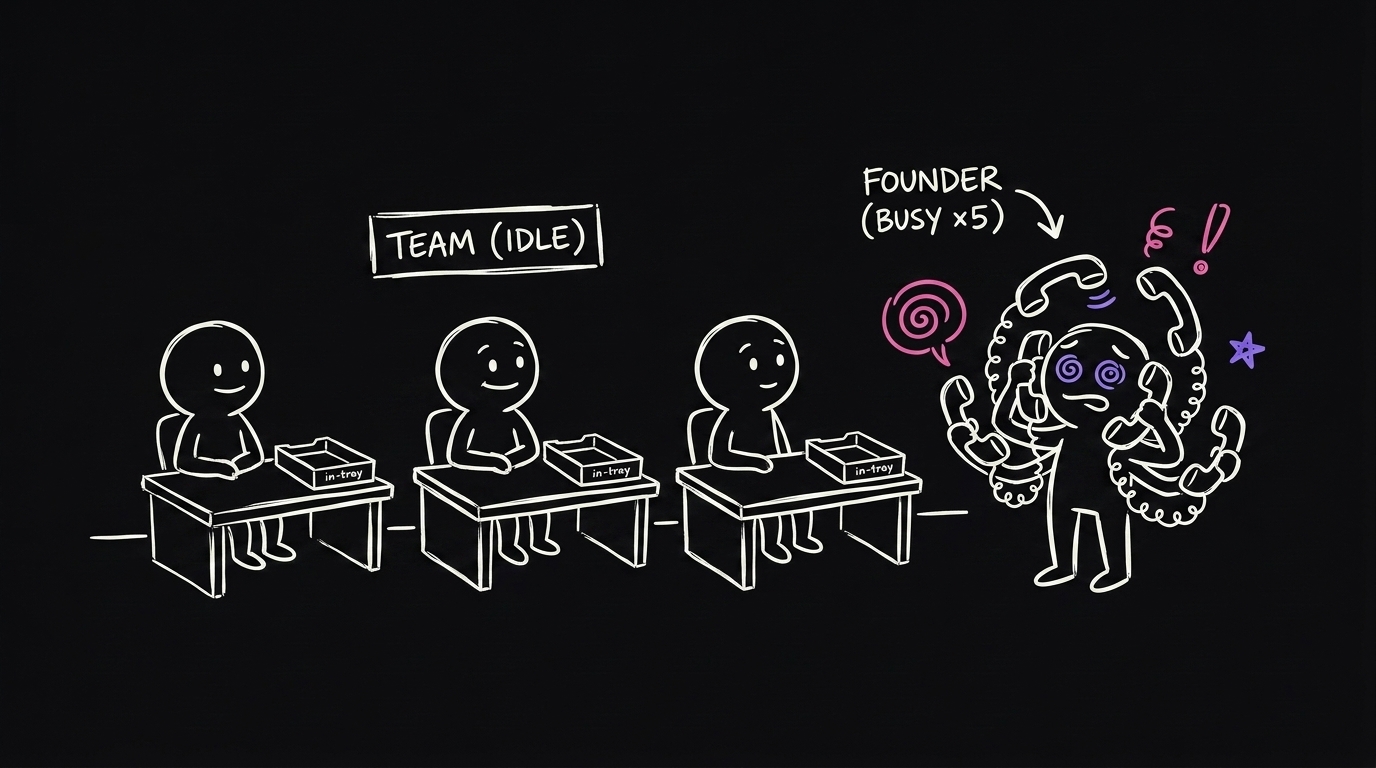
Nothing moves until your calls are done. Tasks don't get created until you sit down and write them. So your team learns what to do hours after the client told you. The whole company runs at the speed of your typing.
The fix is one automation
Here is the whole idea. Your calls are already recorded. You probably use Fathom, Fireflies, or Read.ai. The recording has everything in it.
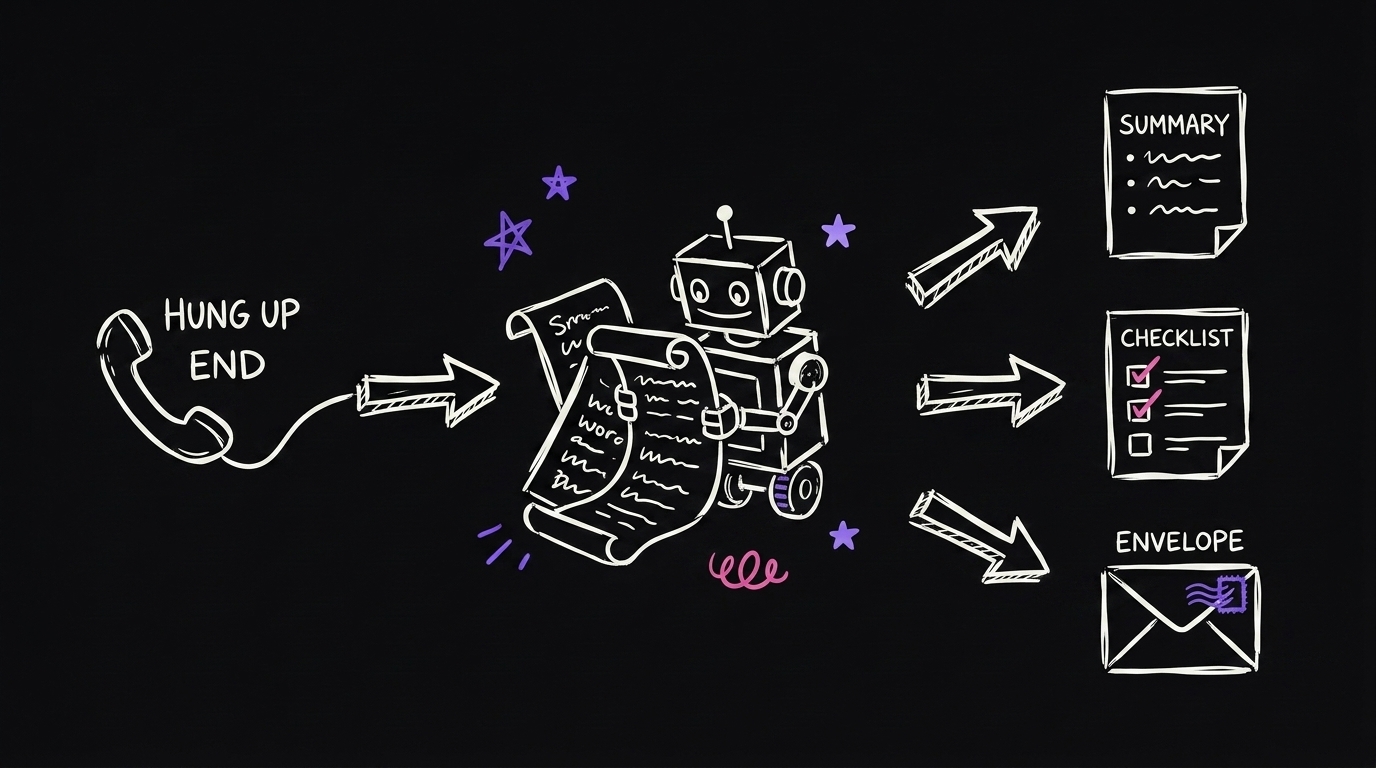
So point an automation at it. The second a call ends, it:
- Reads the whole transcript. Not a skim, the whole thing.
- Writes a clean summary. What the call was about, what you decided, what is still open.
- Pulls out every task. Even the small "oh, can you also" ones that always slip.
- Sorts them. Team work goes to the team. Things only you can do become your to-dos.
- Drafts the follow ups. Ready for you to review and send.
Then it drops the whole package in front of you to approve. You review the output instead of producing it.
Where it routes the work
The sorting is where this gets good.
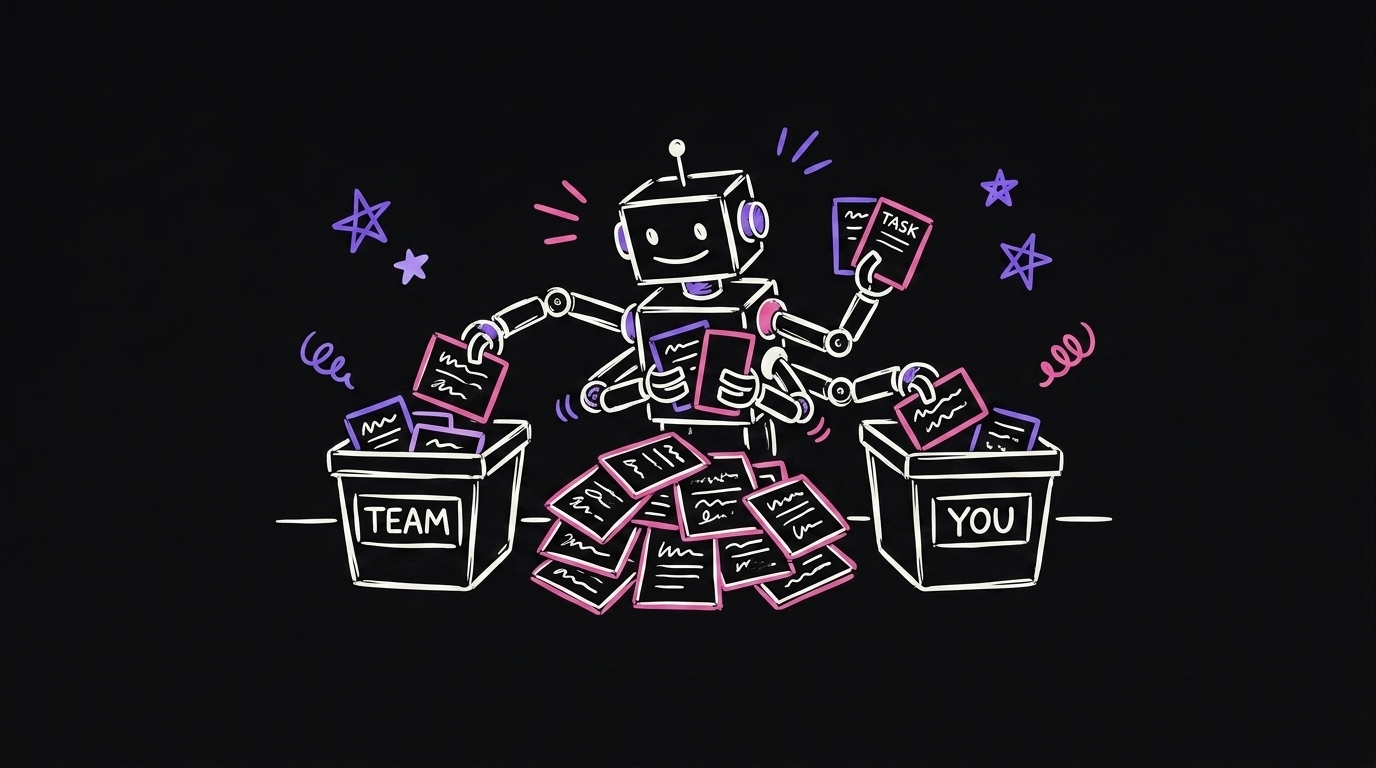
| What came out of the call | Where it goes |
|---|---|
| Work for your developers | Their project list |
| Work for content or strategy | Their project list |
| Something only you can do | Your to-do list |
| The follow up message | A draft, waiting for your review |
Every task lands where the right person will see it. Nobody waits for you to finish your call block.
The real power: agents
Here is the part that still gets me.
Once your calls turn into sorted tasks automatically, those tasks don't have to wait for a human. You can route some of them to AI agents.
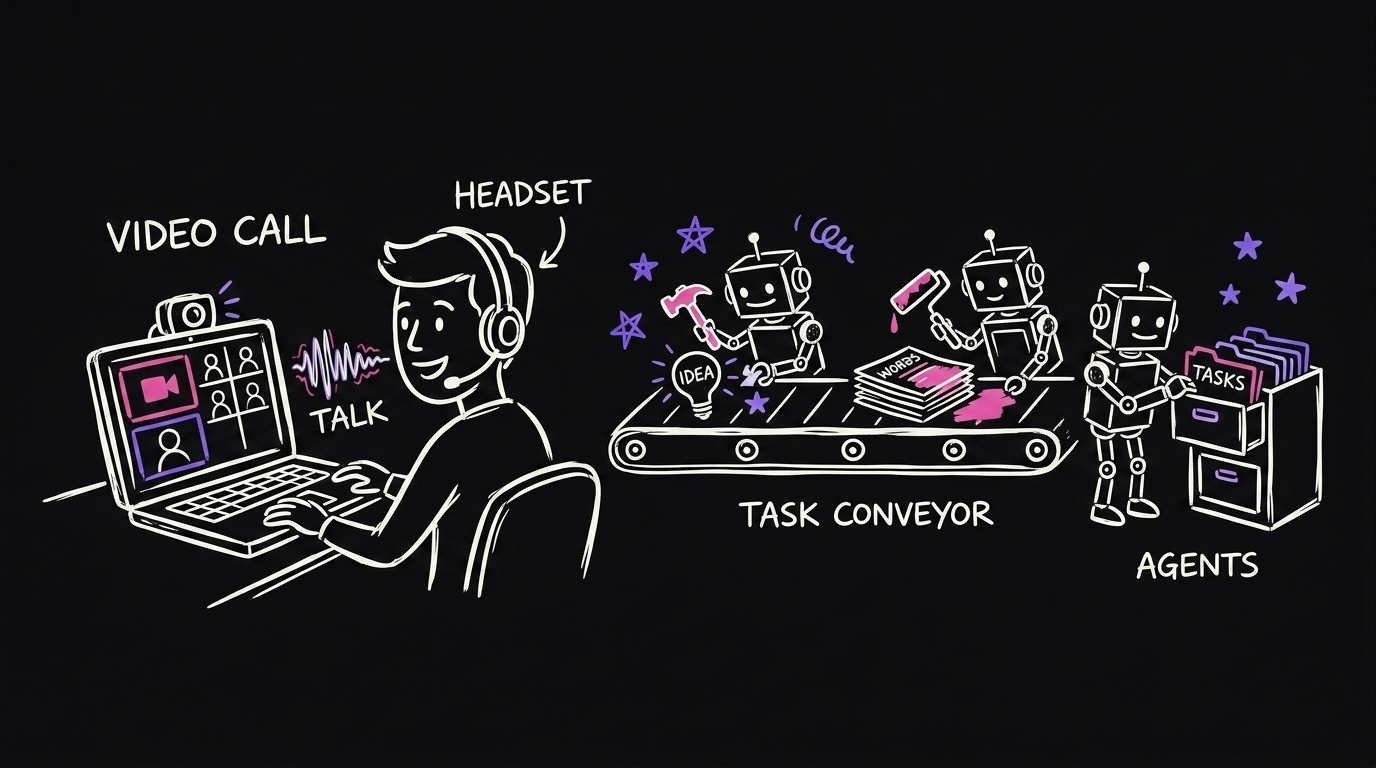
In my own agency, when I finish a call, urgent tasks get picked up by an agent right away. The agent does the work and flags it for the team to review.
So picture this. You are on back to back calls all morning. And while you talk, work from your first call is already getting done. Not queued. Done, and waiting for review.
That is the difference between a note taker and a system.
How to build it (about 30 minutes)
You don't need to be technical. Two tools:
- n8n — the automation platform. About $20 a month. Create an account and make an API key.
- Claude Code — the AI that builds the workflow for you. Give it your n8n API key and tell it what you want.
Then you literally tell Claude: every time my call ends, create a summary, pull the tasks, draft the follow ups, and send it to my Slack.
Start simple. A summary posted to Slack or email is a great first version. Then keep feeding it context about your business — your team, your call types, your tools — and the sorting gets sharper every week.
And when you get stuck, ask Claude. It will tell you which key you need and where to click. AI is the best teacher for AI.
Common questions
Does it send things to my clients by itself? No. It drafts and files. You review everything before anything goes out. That rule is built in.
What if my calls are all different? That is the point of the context. Tell it about your call types. A sales call can generate a proposal draft. A client call generates tasks. It filters by what the call was.
Do I need to code? No. Claude Code builds the workflow. You describe what you want in plain words.
What does it cost? About $20 a month for n8n, plus the AI usage. Against five hours a week, it is nothing.