I Put AI Agents Inside My Task List. Here Is the Whole Setup.

I Put AI Agents Inside My Task List. Here Is the Whole Setup.
Here is the whole thing I do now. I open my task board. I drag a card into one column. That is it. That is my job.
Something else picks it up, does the work, and hands me back the finished thing to look at.
I did not build that card. I described it, and then I checked it.
That is the real shift, and it is bigger than the demo. Most of what is sitting on your list right now, you do not have to do. Not hand to a person. Just not do.
Your job stops being building
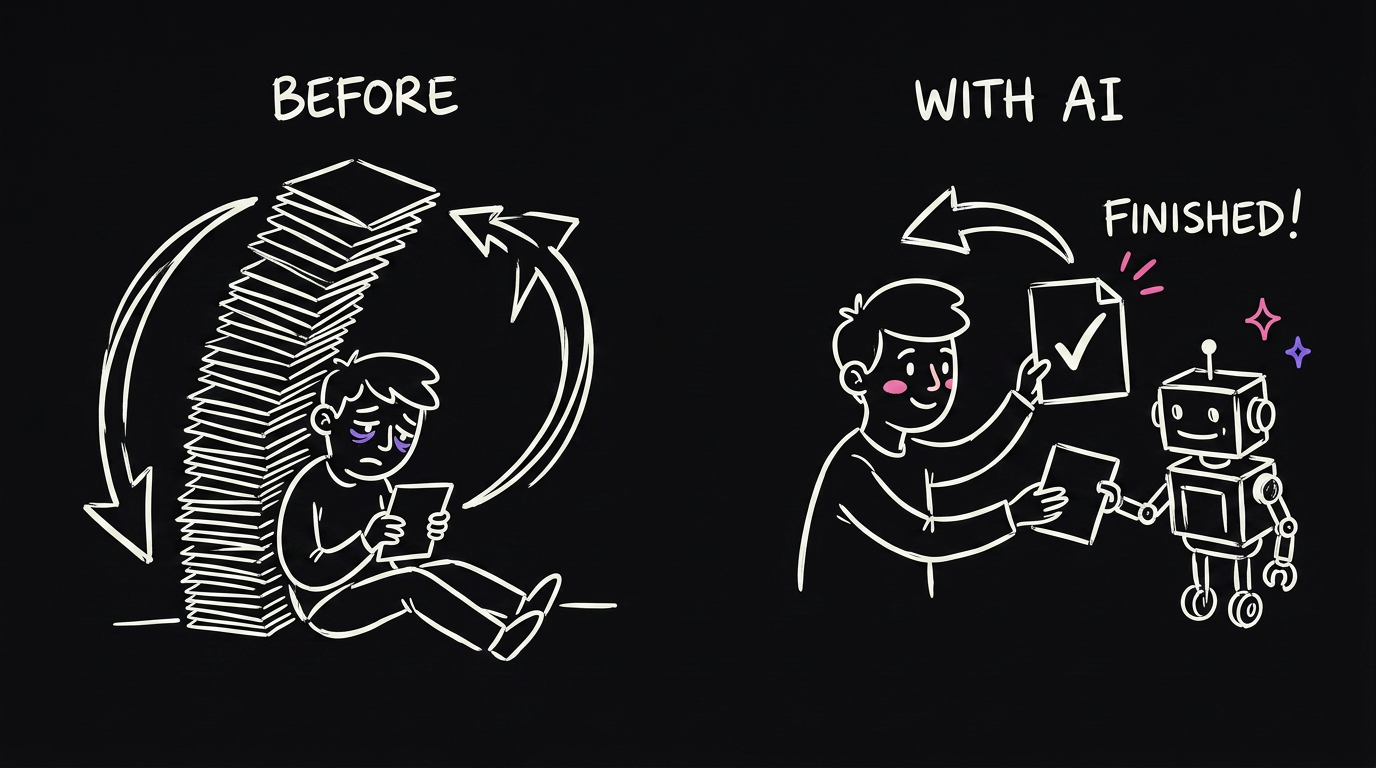
The old loop was simple. You get an idea, you go build it, it ships.
The bottleneck in that loop is you. Always you. Every idea has to pass through your hands. So the number of things you can do in a week is just however many things you personally have time to touch.
The new loop is: you get an idea, you scope it, you hand it over, and you review what comes back.
Same board. Same tasks. The only thing that changed is who does the middle.
Scoping still matters. If you describe it badly, you get back something bad. That part is still yours. But it takes five minutes instead of five hours.
Do not build a new system
This is where most people go wrong, and I went wrong here too.
I tried to build a whole new AI platform for this. It took me months and got a handful of tasks done. It was the wrong idea.
You already have a board. ClickUp, Notion, Trello, GitHub, Linear, a spreadsheet. Whatever your work already lives in.
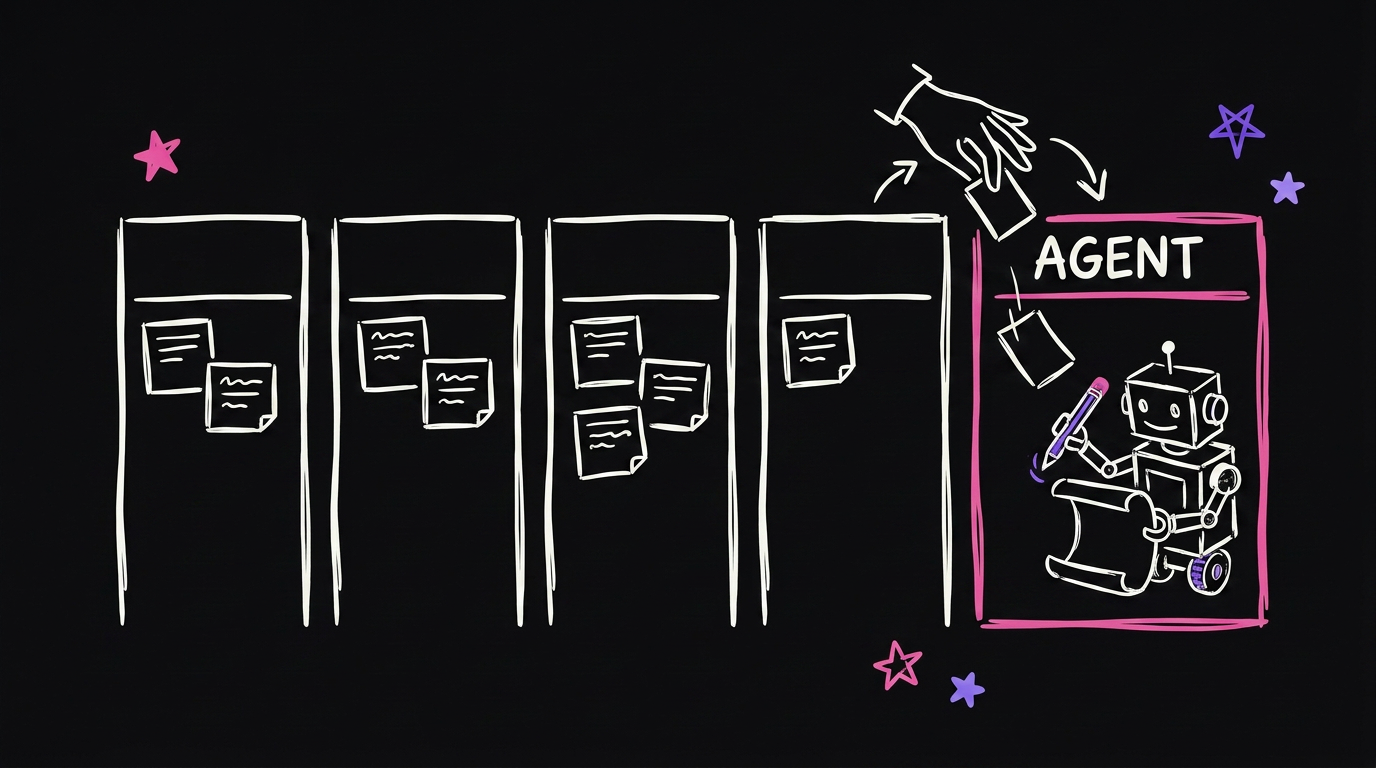
Add one lane to that board and call it AGENT.
Now your columns read: backlog, this week, doing, agent, review, done. Humans and agents on the same board. You never learn a second tool, and you can see everything in one place.
Moving a card into that lane is the whole trigger. There is nothing clever about it, and that is the point.
The four pieces you actually need
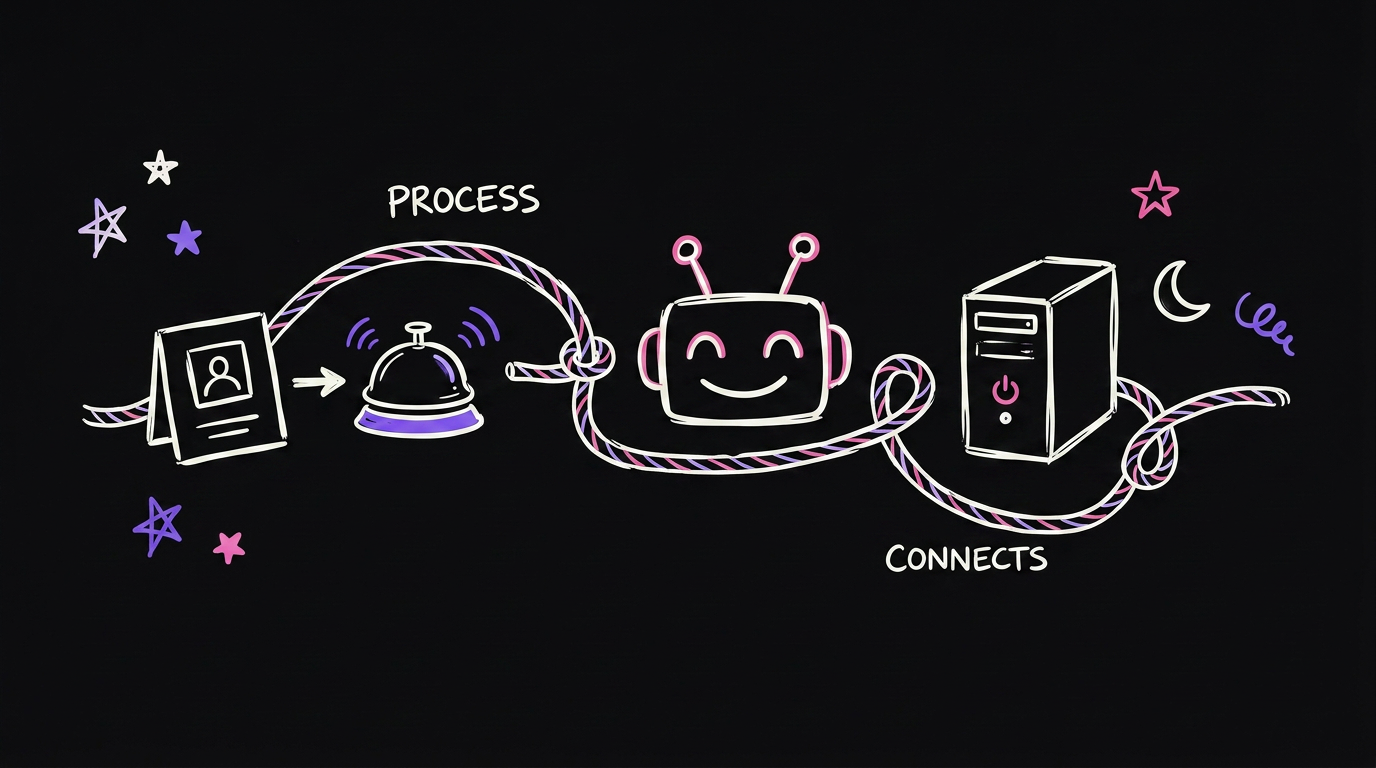
A board with a trigger. The board you already use. The trigger is a status change or a tag. When a card lands in the agent lane, something needs to notice.
The agent. This is Claude Code running without a person sitting in front of it. It reads the task and does the work.
A place for it to live. A small server, so it keeps working when your laptop is shut. Mine costs a few dollars a month.
This one matters more than it sounds. I got a client message at 6am. I was asleep. The agent picked it up, did the work, and by 7:30am it was finished and waiting for me. If it needed my laptop open, none of that happens.
The glue. About 200 lines that watch the lane, run the agent, and post the answer back on the card. That part is in the free repo at the bottom.
Give it tools or it can only talk

An agent with no connections can think and it can write you a paragraph. That is all.
That is not worth paying for. You do not need a chatbot. You need something that can go and do the thing.
So connect it to what you already use. Your docs. Your drive. Your chat. Your database. Your calendar.
Now it can open the file, read the thread, and change the record. Same model, completely different value.
Add one connection at a time and prove it with a real task before you add the next. Wiring up five at once means you cannot tell which one broke.
Give it context, and there are two kinds

People say give it context like it is one thing. It is two, and they do different jobs.
A knowledge base is how you work. Your voice, your offer, the way you like things done. If you tell it to write an email, it needs to know what writing an email means for you. Otherwise you get something generic and technically correct.
A database is what actually happened. Every call, every client message, every internal thread. The real record of the business.
I keep both. The database is the part people underestimate. When the agent can look up what a client said three months ago, it stops guessing and starts deciding.
Give it your steps, not just your goal
Here is the cheapest upgrade in the whole system.
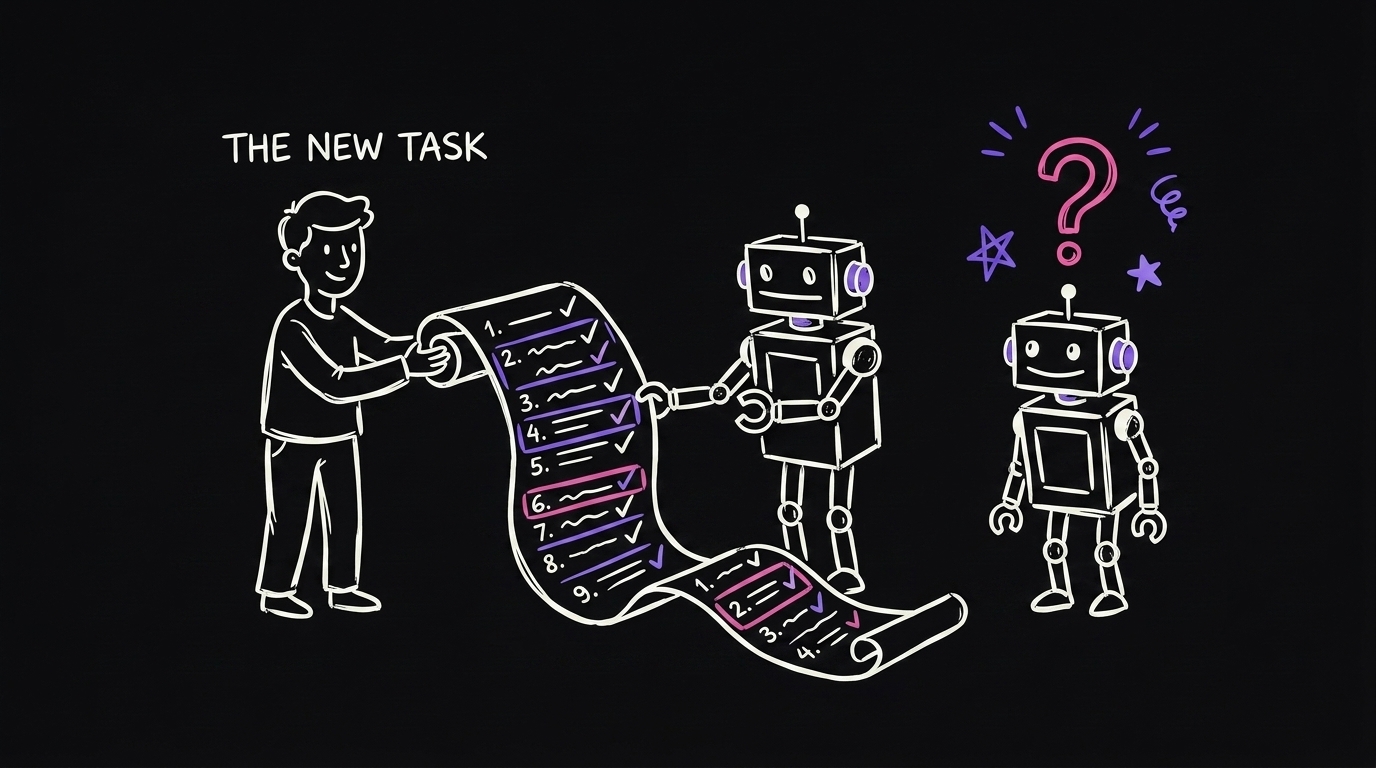
Prep me for this call gets you something generic.
Prep me for this call, and here is exactly how I prep, gets you your version.
Write the steps down once. How you actually do the thing, in order, like you were training a new hire. The fastest way is to say it out loud as if someone asked you, then write down what you said.
A plain SOP beats a clever prompt every single time.
The old loop and the new loop
| Old loop | New loop | |
|---|---|---|
| Who has the idea | You | You |
| Who describes it | You | You |
| Who builds it | You | The agent |
| Who checks it | Nobody, you were the builder | You |
| What limits you | Hours in your day | How fast you can scope and review |
| Where the work lives | Your board | The same board, one extra lane |
Being honest about what this takes
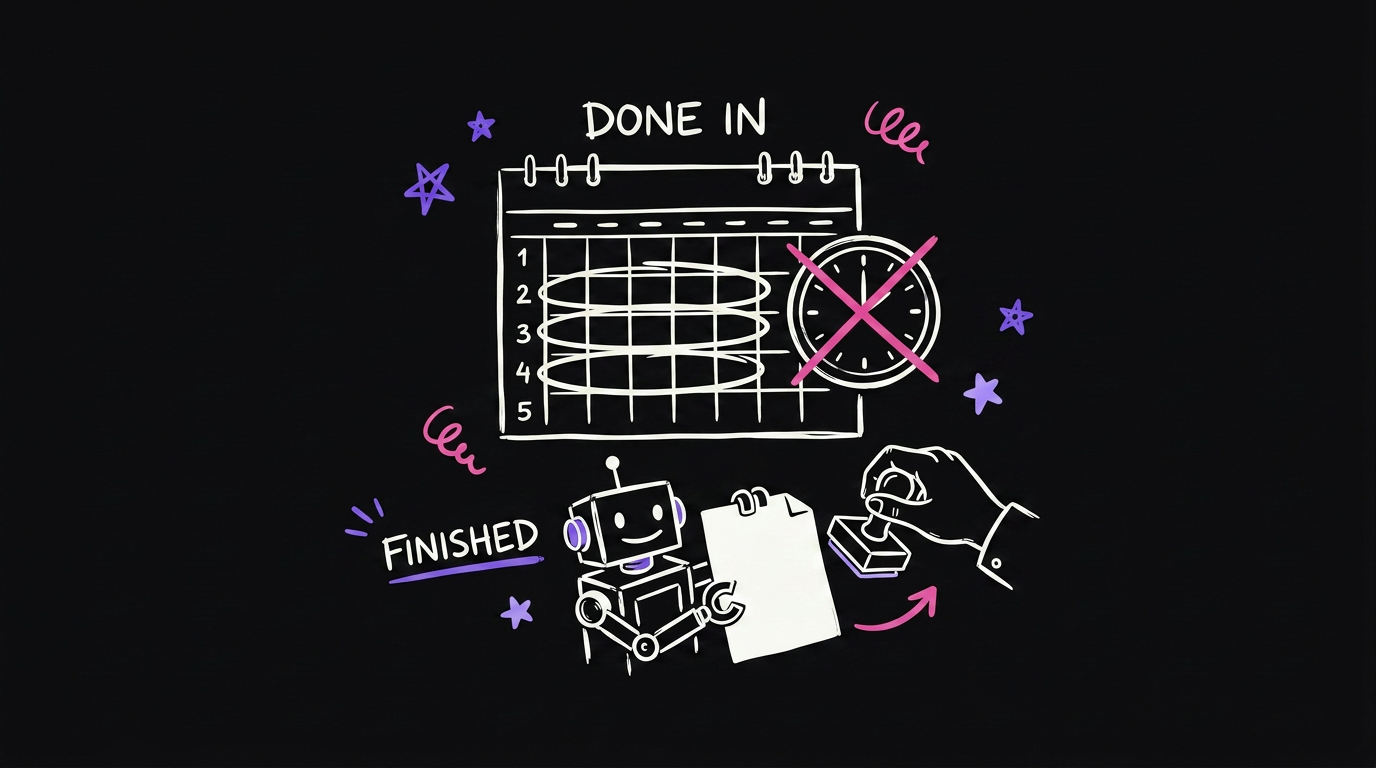
I am not going to pretend this is a weekend project.
It took me three weeks. Not three hours. Most of that was not code. It was getting the business context out of my head and into a place the agent could read.
Creative work is the easy half. Drafting, research, summarising, sorting. That works quickly and it works well.
Code is the hard half. It needs structure, a repo it understands, and a way to check its own work. Expect that part to take real effort.
It costs money. You pay per run, plus the server. It is not free, and it runs while you sleep, which is the point and also the risk. Set a spend limit before your first overnight run.
You still review everything. The agent hands work back. It does not send, it does not publish, it does not message a client. You approve, then it goes out. Keep it that way longer than you think you need to.
Build your own
I put the whole setup in a free repo. The glue script, adapters for ClickUp, Trello and GitHub, the two context templates, and the server setup.
There is also a prompt in there you paste into Claude Code. It reads the repo and walks you through the setup one step at a time, including writing an adapter for your board if yours is not one of the three.
github.com/qemoza/agent-lane-starter
FAQ
Do I need to know how to code? No, but you need to be willing to follow instructions and read what comes back. The repo has a prompt that does the setup with you step by step.
Which board should I use? The one your work is already in. That is the entire point. Do not move to a new tool for this.
What should the first task be? Something small with an obvious right answer that takes under a minute. Watch it come back before you trust it with anything real.
How long until it is useful? Simple drafting and research work almost straight away. Getting it to handle real work in your business took me about three weeks.
Will it message my clients? Not unless you build that, and I would not. Mine hands everything back for approval.
Want to see it live?
Watch the full video here: I Put AI Agents Inside My Task List
Free starter repo: github.com/qemoza/agent-lane-starter
If you want more real systems like this, follow along on qemoza. I share what actually works, not theory.
Written by Hamza Oulad, founder of qemoza, the AI ops partner for agencies. Built with Finn.