I Let Claude Watch My Screen All Day (It Caught Me Doing This 300 Times)
I Let Claude Watch My Screen All Day (It Caught Me Doing This 300 Times)
I built a system that watches my screen all day. It takes a screenshot every 5 seconds. Every morning it reads all of yesterday and writes me one short report. Then it builds the fix itself.
Two days in, it already found four things I never noticed about my own work. Let me show you what it caught.
Why normal time tracking misses everything
Most people track their time to get more productive. You log your hours every 30 minutes. At the end of the week, you look back and try to improve.
The problem is this only shows you what you already know to look for. It cannot see the small stuff. The way you use your mouse. The habit you do not even know you have. You would need to watch your own recording back for hours to catch it, and nobody does that.
A screen that watches you cannot be fooled. It sees the real thing, not what you remember doing.
The three-part system
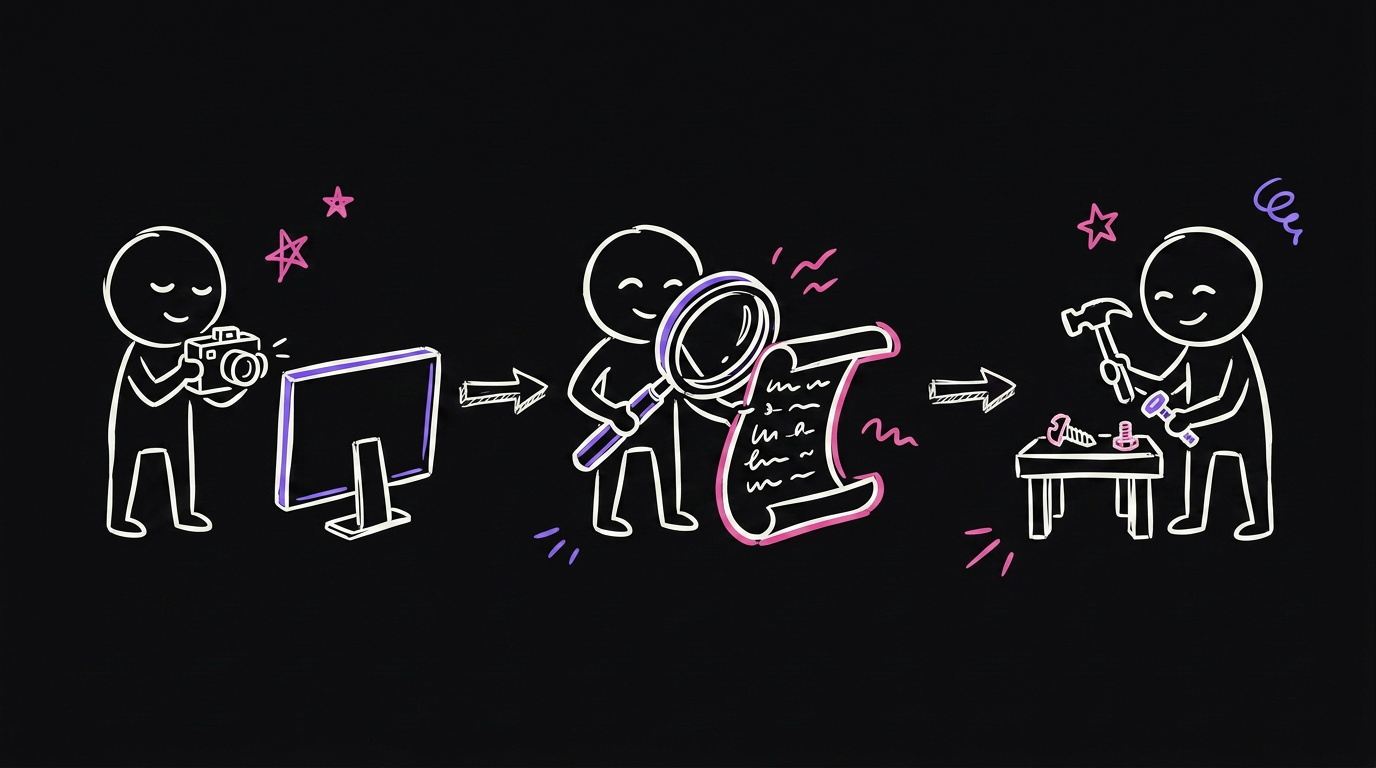
The system has three parts.
The Watcher takes a screenshot every 5 seconds, all day, and saves it to your own computer.
The Analyst runs every morning. It reads yesterday's screenshots and writes a short report on what it found.
The Builder takes that report and builds the actual fix. A small tool, a browser extension, a notification, whatever solves the problem.
You read one short report a day. You fix one thing. That is the whole loop.
| The old way | This way |
|---|---|
| You log your own hours by hand | It watches automatically, no logging |
| You only catch what you remember | It catches habits you never noticed |
| Takes real time every day | One short report to read |
| Missing weeks of small habits | Compounds a little every single day |
What it caught in two days
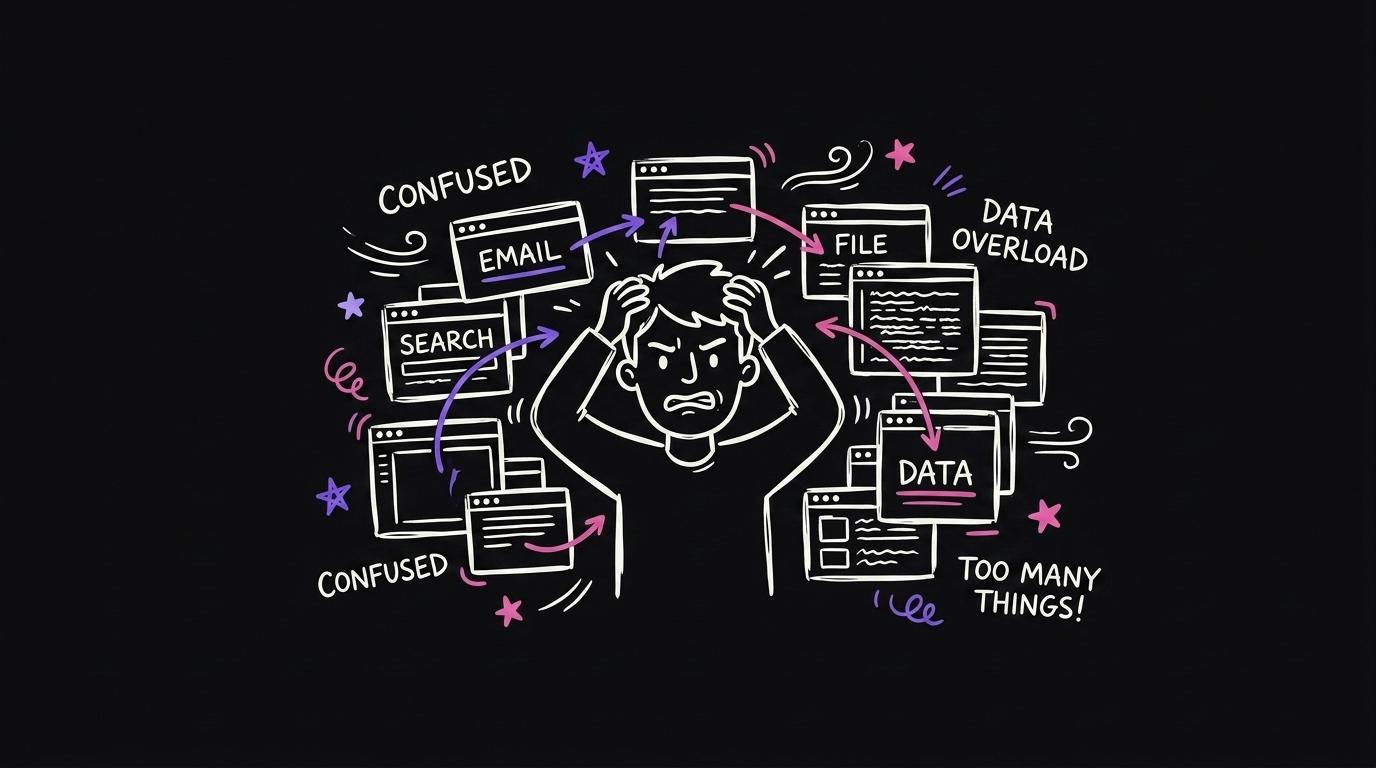
300 app switches a day. I use Claude Code and Chrome side by side, and I switch between them constantly. I thought I had notifications on, so I would hear when a task finished. But I also use a voice dictation tool, and every time it turns on, my Mac's volume drops to zero. So I never heard the notification. I was manually checking back over and over, all day, without realizing it. Once the report caught this, it built me a visible banner that shows up the moment something is ready. No more checking. That alone cut my checks from 300 a day to 200, and I am still bringing it down.

Tab graveyard. I keep a CRM open and I am scared of losing a tab, so I just open new ones instead of closing old ones. I end up with 20 tabs of the same thing and my brain gets foggy trying to find the right one. It found a browser extension that closes duplicate tabs automatically.
Buried inbox. I had 20,000 unread emails. The real ones that needed a reply were buried under all the noise. It built a filter so the emails that actually matter do not get lost anymore.
Manual data entry. Every single morning, I was typing the same numbers into a spreadsheet by hand. It wrote a small script that does it for me now.
None of these are things I would have caught by thinking about my day. I only saw them because something was actually watching.
Why this compounds
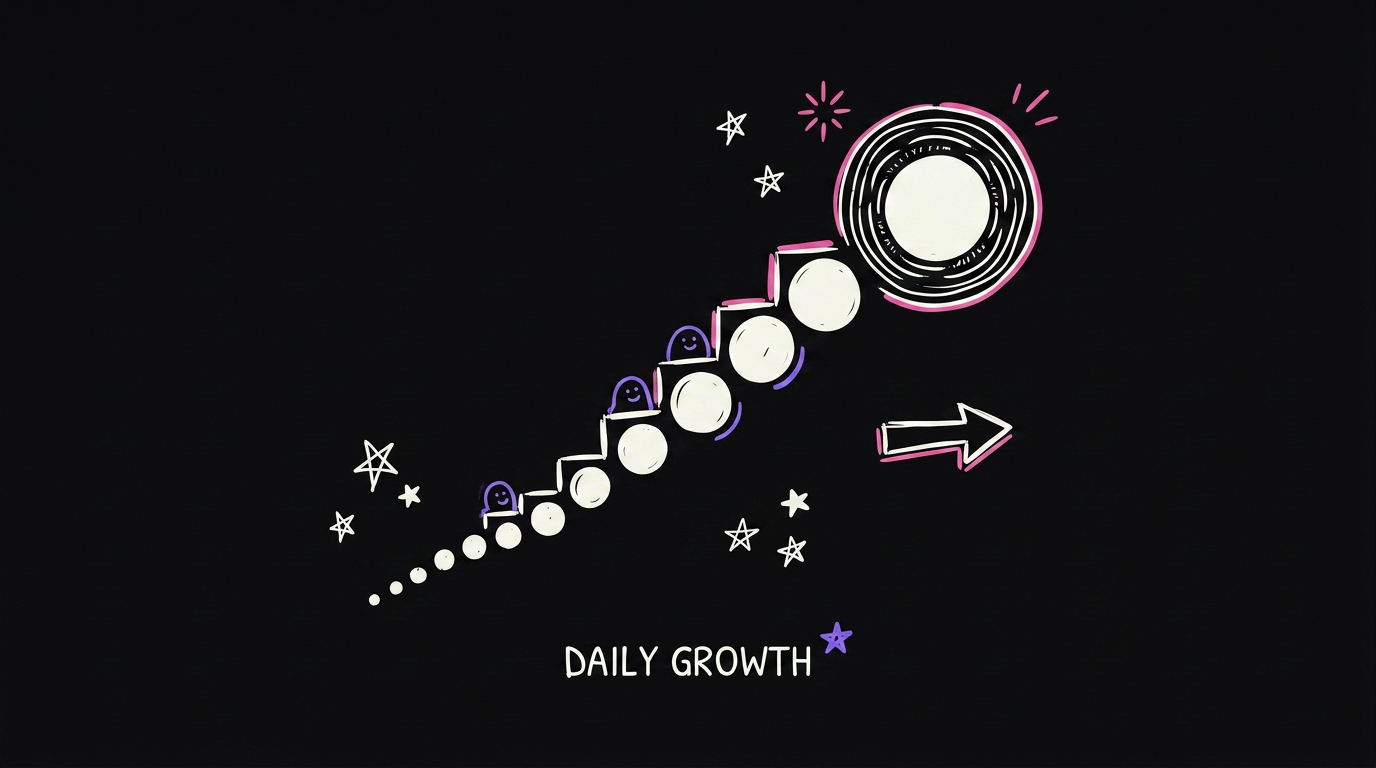
You get one report every morning. You fix one thing. That is it. It sounds small, but getting 1% better every day compounds to about 37 times better by the end of the year.
This is only two days of data for me, and it already found four real problems. Imagine what a month looks like.
Keeping it safe
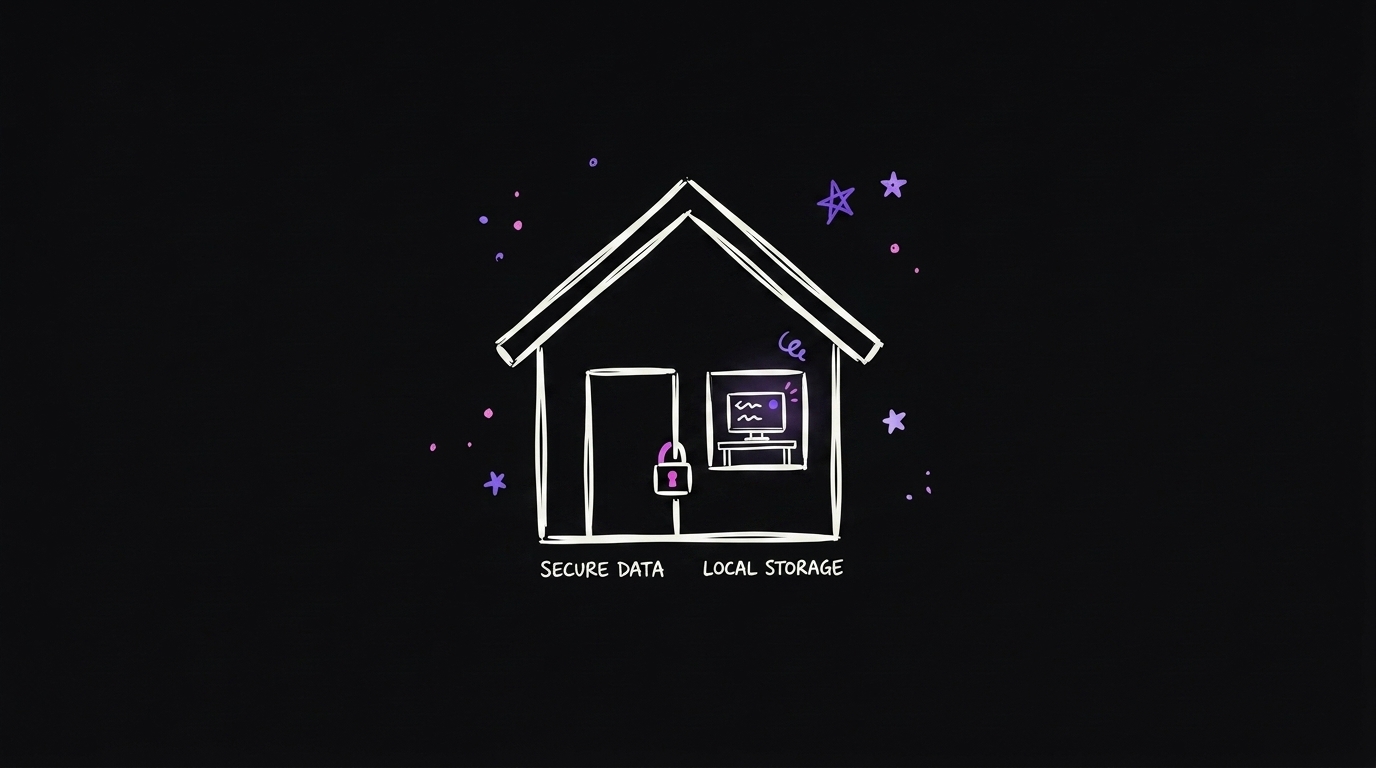
The whole point is to watch you, not spy on you. So:
- Everything stays on your own computer. Nothing gets uploaded anywhere.
- It deletes itself automatically after 30 days.
- It skips password managers.
- You can pause it any time, especially before sensitive work.
Credit where it is due
I did not come up with this idea. I saw Nick Saraev talk about this concept, and I built my own version of it for how I actually work.
FAQ
Does this slow down my computer? No. Taking a screenshot every 5 seconds is a tiny task. You will not notice it running.
Is my data safe? Yes. Everything stays local on your own machine, it deletes itself after 30 days, and you can pause it whenever you want.
Do I need to be technical to build this? No. You can build a version of this with Claude Code by describing what you want it to watch for and how you want your report each morning.
How fast will I see results? I saw four real problems inside two days. The longer it runs, the more it catches.
Want to see it live?
Watch the full video here: I Let Claude Watch Me Work All Day
Free repo to build your own: github.com/qemoza/screenwatch-starter
If you want more real systems like this, follow along on qemoza. I share what actually works, not theory.
Written by Hamza Oulad, founder of qemoza, the AI ops partner for agencies. Built with Finn.